

As a security administrator, you are often asked to provide information to an auditor. For example, you can be asked to produce a quarterly report of user IDs that have been suspended due to excessive password violations.
The CA Chorus Investigator lets you search for these user IDs and save the search query to a JCL batch job. This batch job, when executed, generates a report. After you create the JCL, you can run the report every quarter. You can also add the batch job to a job scheduler so that it executes at predetermined intervals, providing automated, consistent, and updated reports for the auditors. This scenario explains how you create and run a batch reporting job.
The following illustration shows how a security administrator creates and runs a batch reporting job to list suspended IDs:
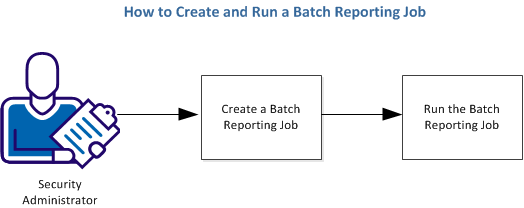
Complete the following tasks to create and run a batch reporting job to list suspended IDs:
|
Copyright © 2013 CA Technologies.
All rights reserved.
|
|