

As a business executive, you are responsible for maintaining a high level of service for your customers. BRV’s feature can alert you to potential breaches of contract enabling you to take corrective measures, and maintain quality service.
This illustrative scenario explains how to use BRV. The scenario demonstrates how to view services whose status is “yellow” and how to take corrective measures to prevent a breach of contract.
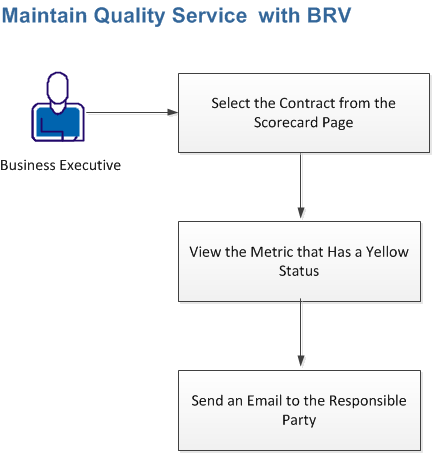
Follow these steps:
|
Copyright © 2012 CA.
All rights reserved.
|
|