

User Guide › Reports › Saved Reports › Graphic Report Designs › Applying a Report's Graphic Design to Another Report
Applying a Report's Graphic Design to Another Report
To change one report's graphic design to another report's graphic design
- In the Reports Folder page, click
 next to the report for which you want to apply a new design and select Change Graphic Design.
The Apply Graphic Design page opens.
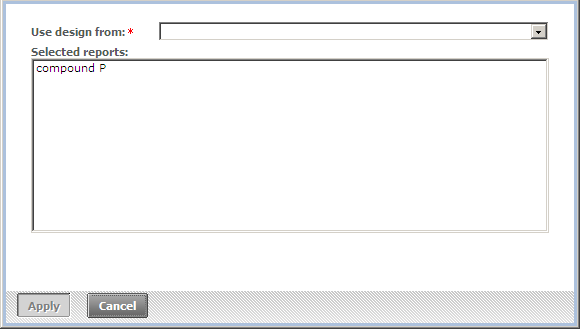
- In Use design from, select the report whose design you want to use from the drop-down list.
- Click Apply.
A confirmation dialog box opens.
- Click Yes.
The report's design is changed.
To change the graphic design of multiple reports
- In the Reports Folder page, select the reports for which you want to apply a new design.
- Click Apply Graphic Design.
The Apply Graphic Design page opens.
- In Use design from, select the report whose design you want to use from the drop-down list.
- Click Apply.
A confirmation dialog box opens.
- Click Yes.
The report's design is changed.
Copyright © 2012 CA.
All rights reserved.
|
|