

As a Service Consumer, your responsibilities require you to work with virtual machines. The self-service portal allows you to reserve virtual machines with CA AppLogic and manage their lifecycles. Use the self-service portal to:
Reservations and management requests are subject to approval by your service provider or administrator. You receive emails informing you of how to access your virtual machines and the status of your requests.
The following diagram illustrates how to reserve and manage applications with AppLogic.
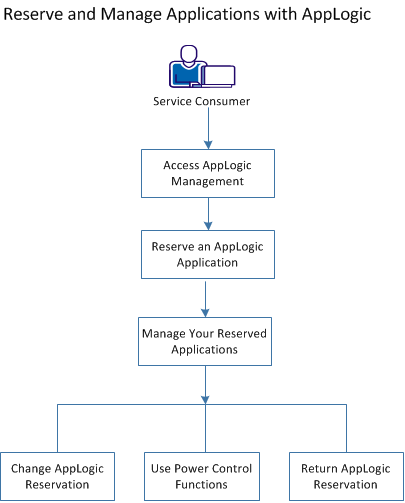
Perform the following tasks to reserve and manage applications:
|
Copyright © 2013 CA.
All rights reserved.
|
|