

As a Service Provider you enable the primary disk extension on the VMware ESX cartridge.
Note: This feature is supported only for CA Server Automation Release 12.7 SP01.
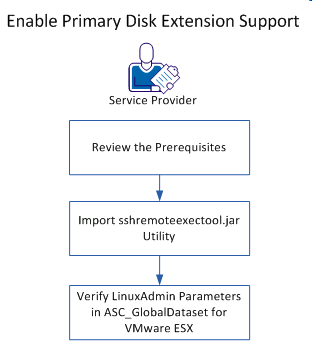
The following diagram illustrates how a Service Provider enables the primary disk extension support:
Follow these steps:
|
Copyright © 2014 CA.
All rights reserved.
|
|