

Use the Application List to manage the applications that the management console monitors. CA Application Delivery Analysis automatically monitors all application traffic between the specified server subnets and client networks.
If an application is not displayed in the list, make sure the management console is configured to monitor the application.
Follow these steps:
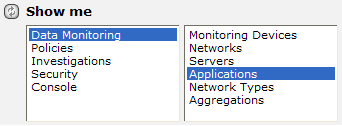
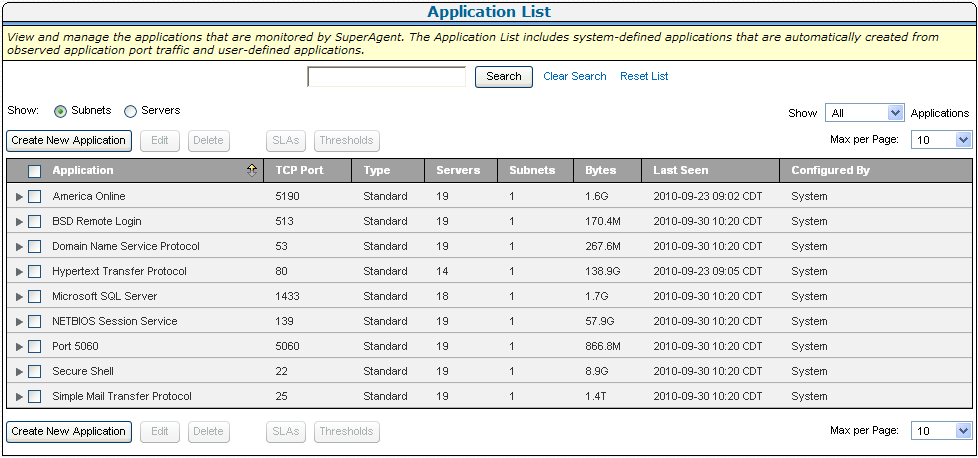
The Application List appears. In the following example, application traffic on well-known ports is automatically named.
|
Copyright © 2015 CA Technologies.
All rights reserved.
|
|