

Use the Network List to manage the list of client networks that the management console monitors. Each monitoring device computes response time metrics between the application servers and the client networks specified in the Network List.
Follow these steps:
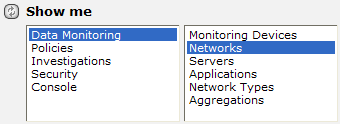
The Network List appears. In the following example, two IPv4 client networks with a /24 subnet mask are defined.
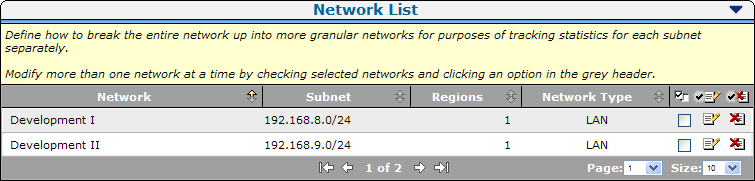
CA Application Delivery Analysis includes the following default entries for catch all default client networks:
|
Copyright © 2015 CA Technologies.
All rights reserved.
|
|