

Use the Server List to view and manage the list of servers that the management console monitors.
If a server is not displayed in the list, browse the Server Subnets List to verify that a matching server subnet exists. The management console automatically adds a server to the Server List after it observes matching application port traffic on the server.
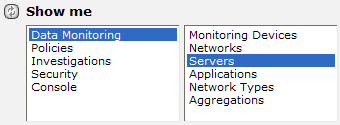
Follow these steps:
The Server List appears. In the following example, the list of IPv4 addresses in the Server List corresponds to the IPv4 server subnets in the Server Subnet List.
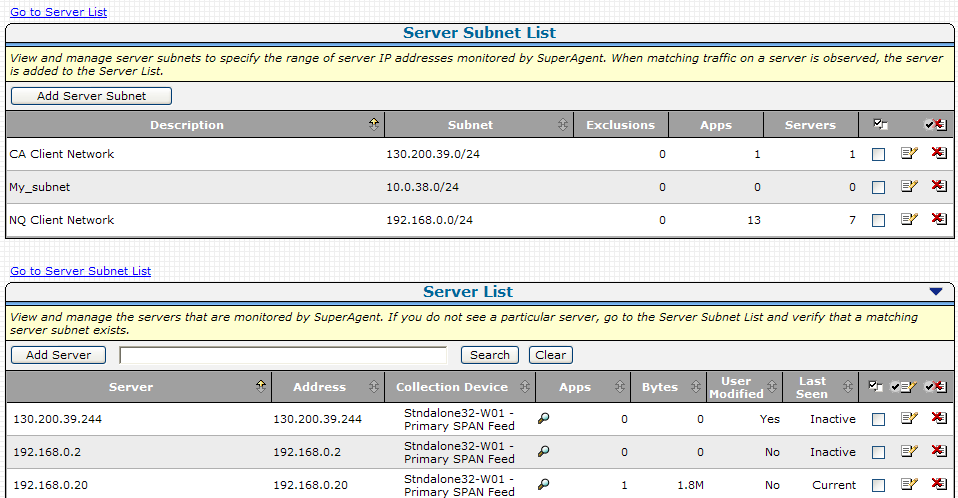
Note: Application Delivery Analysis includes a default server subnet called Monitor All Servers on subnet 0.0.0.0 mask 0. The default server subnet enables automatic data collection to occur when a new monitor is added.
|
Copyright © 2015 CA Technologies.
All rights reserved.
|
|