

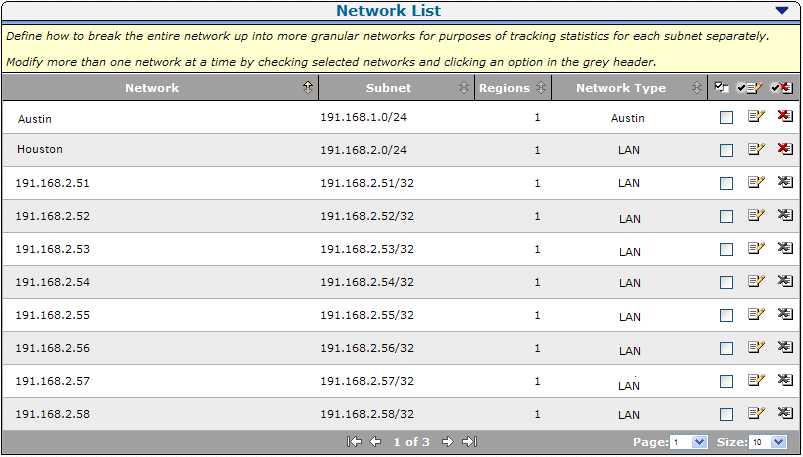
Use the Network List to view and manage the networks that are monitored by the management console. The Network List includes the client networks you specify, plus /32 client networks.
A /32 client network is a client network with a single IPv4 address. CA Application Delivery Analysis uses /32 client networks to monitor multi-tier applications. When a server is added to the Server List, the management console automatically creates a corresponding /32 client network.
Note: To delete a /32 client network, delete the corresponding server from the Server list. You cannot delete a /32 client network that was created by the management console.
|
Copyright © 2014 CA Technologies.
All rights reserved.
|
|