

This section describes how a Master Administrator installs, configures and deploys User Behavioral Profiling.
CA Risk Authentication detects cases where stronger authentication is required and evaluates parameters of the current transaction against customer preset rules. The calling software uses the risk score that is provided by the evaluation to decide if additional authentication is required before allowing the user to proceed.
User Behavioral Profiling measures the similarity or dissimilarity of the current transaction to prior access by the same user, or that of their peer group in cases of insufficient data.
User Behavioral Profiling installation and deployment on CA Advanced Authentication is illustrated below:
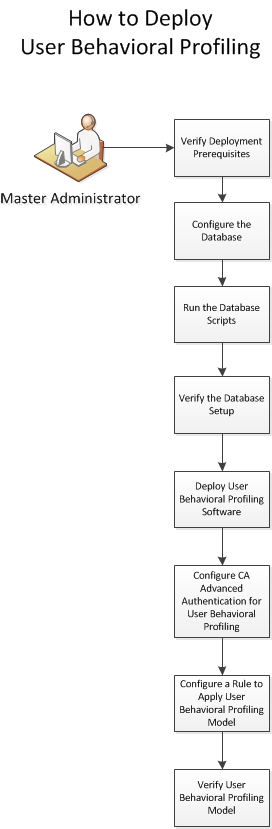
To install and deploy User Behavioral Profiling, perform the following steps:
|
Copyright © 2014 CA Technologies.
All rights reserved.
|
|