

CA Risk Authentication Windows Installation Guide › How to perform a Fresh Installation
How to perform a Fresh Installation
This scenario guides you on selecting a deployment model, and determine which CA Risk Authentication components and prerequisite software to install on each system. The following illustration defines the tasks should be performed to install CA Risk Authentication:
Note: In this guide, System refers to a physical device and Server refers to software that is run on the system.
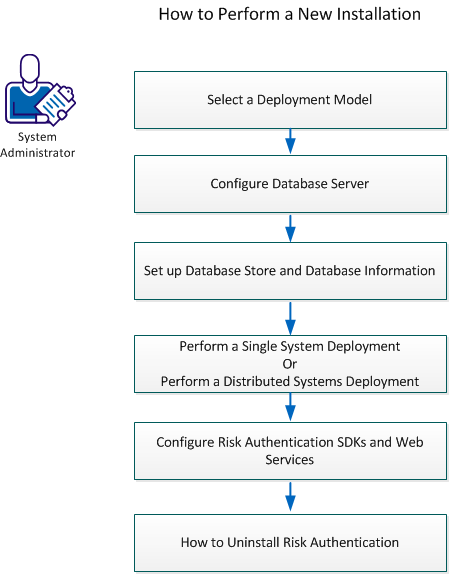
Perform the following steps:
- Select a Deployment Model
- Configure Database Server.
- Set up Database Store and Database Information.
- Perform a Single System Deployment. For more information, refer to Perform a Single System Deployment.
- Perform a Distributed Systems Deployment. For more information, refer to Perform to Distributed System Deployment.
- Configure CA Risk Authentication SDKs and Web Services.
Copyright © 2014 CA Technologies.
All rights reserved.
|
|