

Restoring Protected Data › How to Restore Exchange Mail on a VMware Virtual Machine › Restore the Exchange Mail
Restore the Exchange Mail
The Restore Summary dialog helps you to review all the restore options that you defined and modify them if necessary.
Follow these steps:
- On the Restore Summary dialog, review the displayed information to verify that all the restore options and settings are correct.
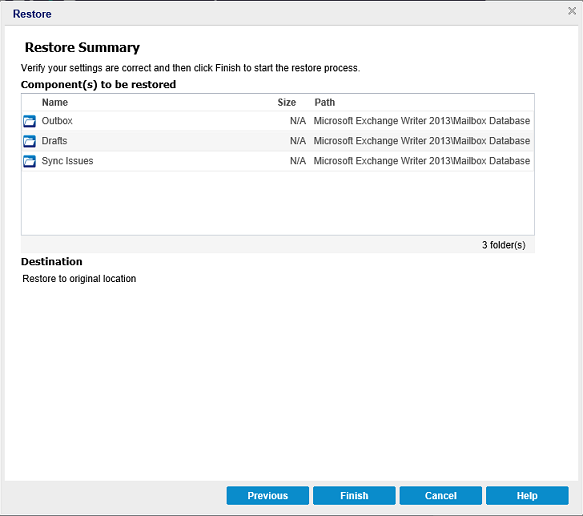
- If the summary information is incorrect, click Previous and go back to the applicable dialog to change the incorrect setting.
- If the summary information is correct, click Finish to launch the restore process.
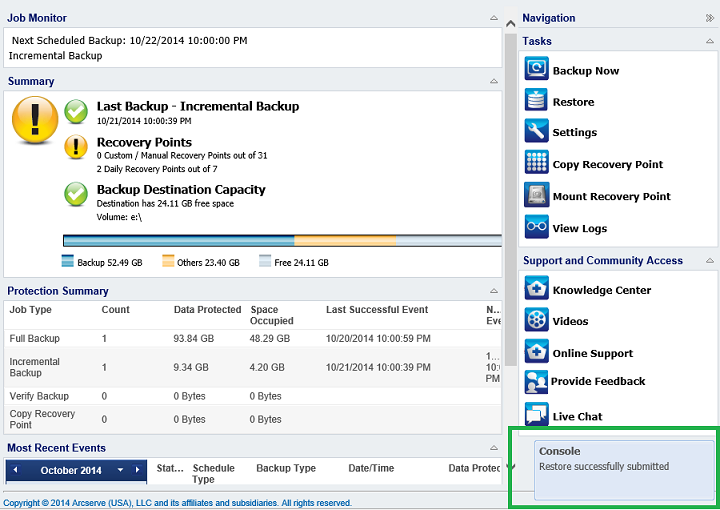
The confirmation message informs that the Exchange Mail restore is complete.
Copyright © 2015 Arcserve.
All rights reserved.
|
|