

|
|
|
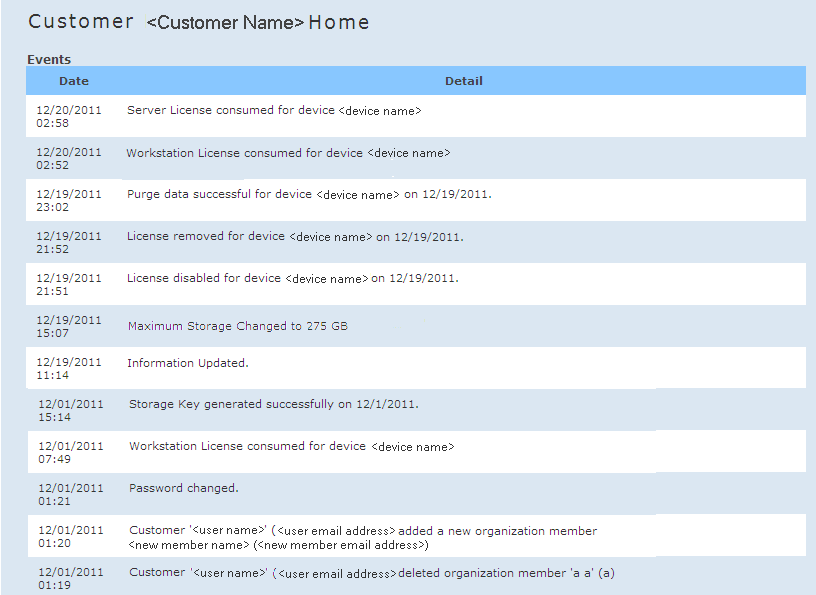
From the Main menu, you can click Home to access the home page for the user who is currently logged in. The home page contains the Events section. For a Customer role, this section provides activity log type information for every device and every member associated with your account. For a Partner role, this Events section provides overall activity log information for all customers within your master account. All events that were performed from this portal are listed in this section, sequenced by the most recent date and time. (This is the main source of audit information to the ongoing activity in the account).
You can view such events as:
Note: When a Partner manages and impersonates a Customer, this activity will be logged and displayed in the Events list so that the Customer knows that the Partner took control of that account.
| Copyright © 2012 CA. All rights reserved. | Tell Technical Publications how we can improve this information |