

|
|
|
CA ARCserve Central Reporting lets you view multiple reports that can fit in the Report View screen as wide as three columns. There are three icons you can choose from in the upper right corner of the global Filters/Actions section of the Dashboard screen.
 Report view show only one report
Displays only one report in the Report View screen.
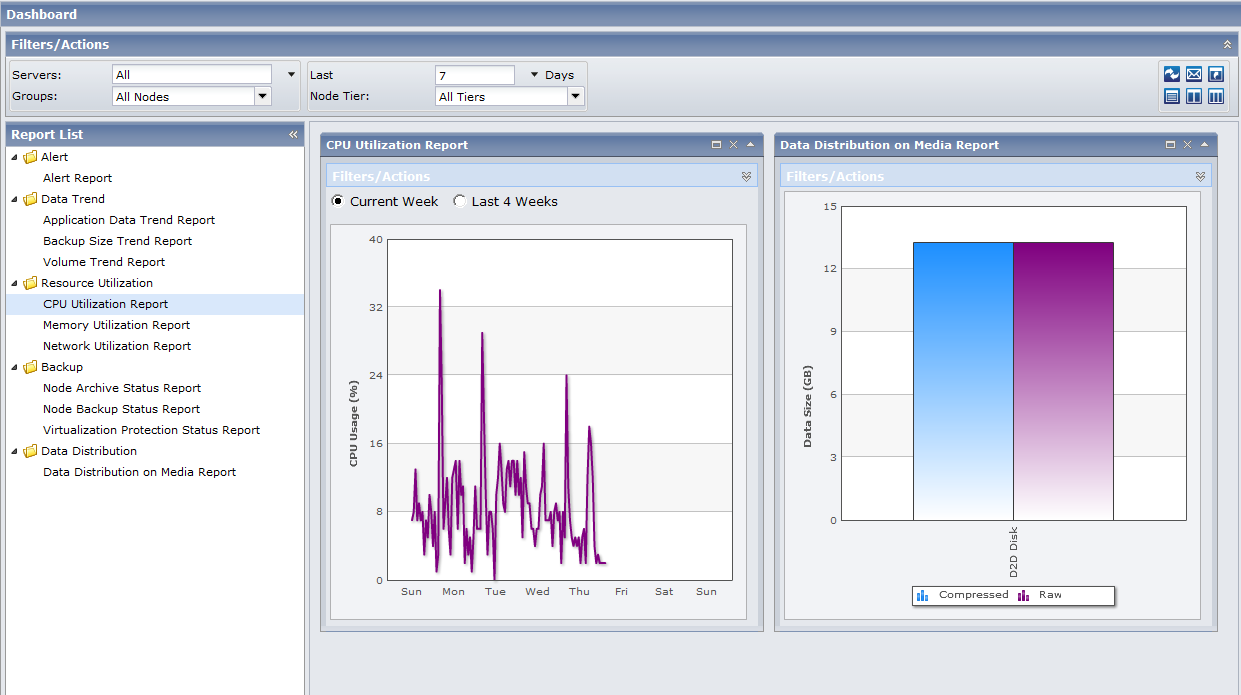
 Report view show multiple reports in two columns
Select as many reports from the Report List to view as wide as two columns in the Report View. You can scroll down to view the reports selected.
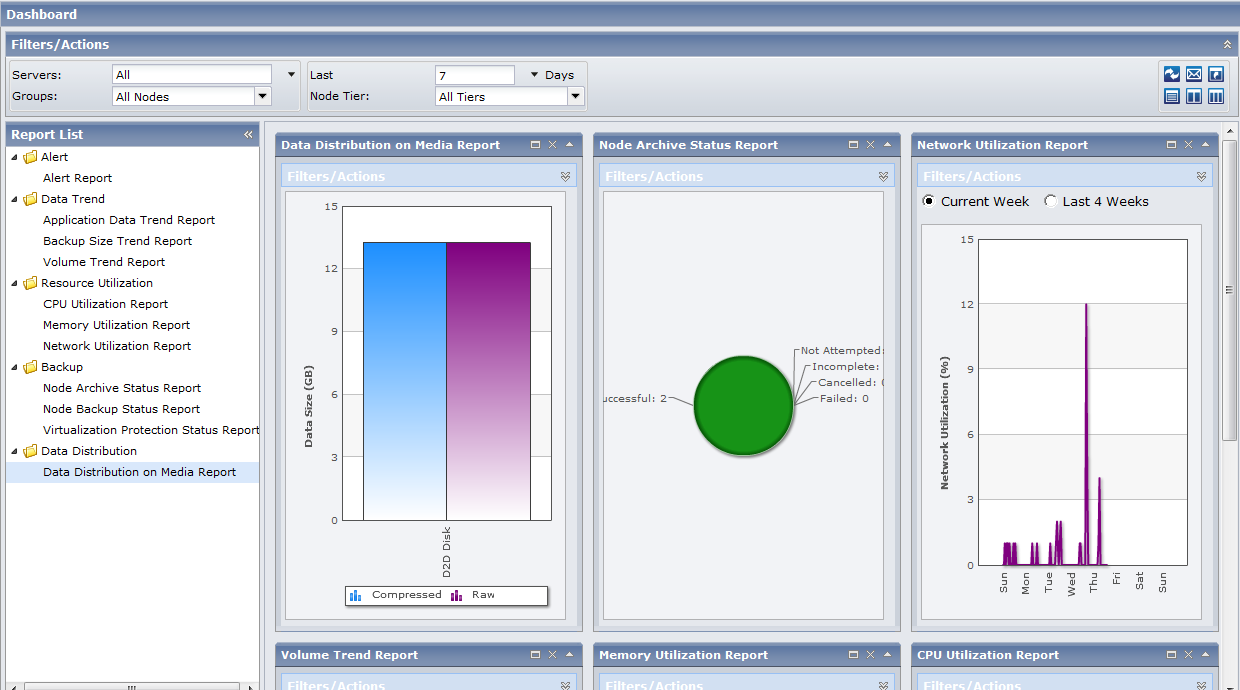
 Report view show multiple reports in three columns
Select as many reports from the Report List to view as wide as three columns in the Report View. You can scroll down to view the reports selected.
| Copyright © 2012 CA. All rights reserved. |
|