

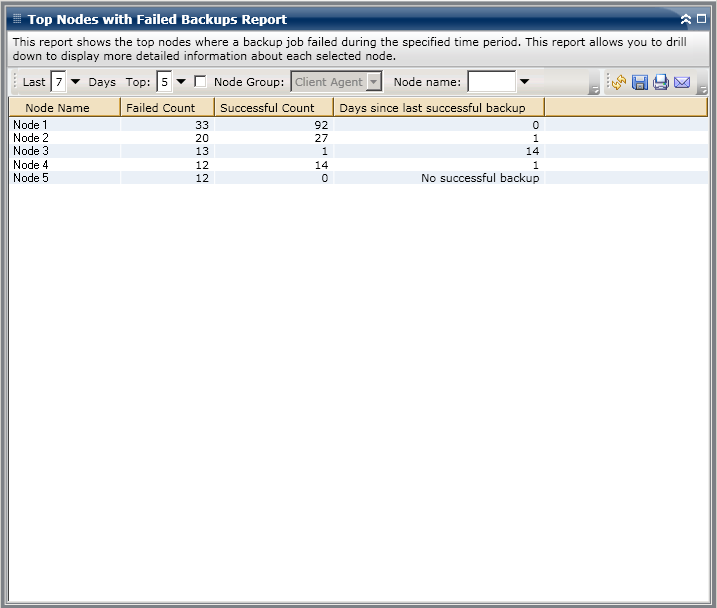
The Top Nodes with Failed Backups Report is displayed in a table format, listing the nodes with the highest number of failed backups. This report contains filters for Last # Days, Top # of Failed Nodes, Node Group, Node Name, and Node Tier.
Note: By default, Arcserve Backup only retains Activity Log information for 14 days. If you want Arcserve Backup Dashboard to display Activity Log information for more than 14 days, you must modify the "Prune activity logs older than" option to increase the log retention period. For more information about modifying Activity Log settings, see the Administration Guide.
Note: You can select the node name and right-click the mouse button to display a pop-up window with all related node information for the selected node. For more information, see Node Information.
|
Copyright © 2014 Arcserve.
All rights reserved.
|
|