

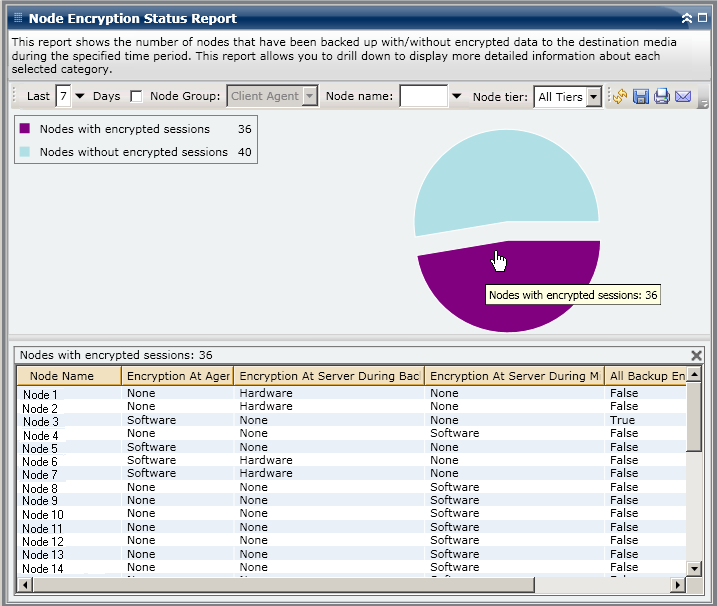
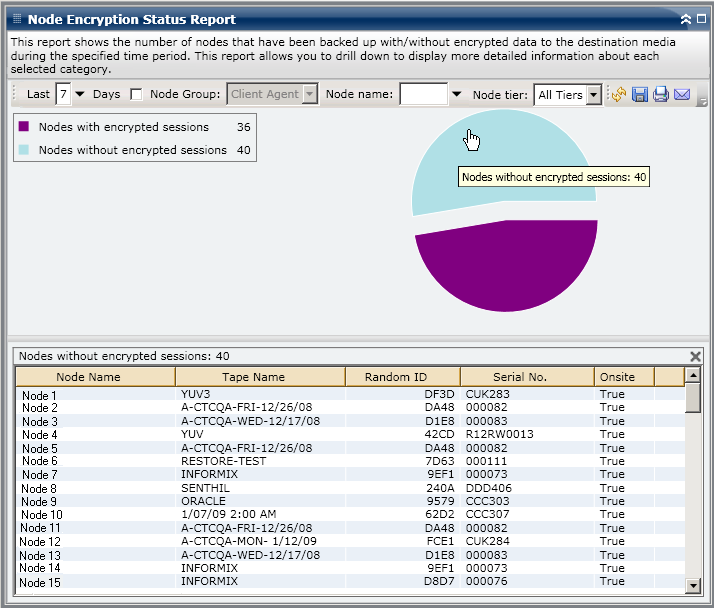
The Node Encryption Status Report can be further expanded in the Pie chart view to display more detailed information. You can click on either of the two categories to display a detailed listing of all nodes associated with that category during the specified time period. This drill-down report includes the Node names, along with the encryption-related information for each category.
Note: You can select the node name and right-click the mouse button to display a pop-up window with all related node information for the selected node. For more information, see Node Information.
Note: For more information about the types of data encryption, see the Administration Guide.
|
Copyright © 2014 Arcserve.
All rights reserved.
|
|