

|
|
|
You can customize the agent by modifying the registry entries in the Regedit32 utility of the Windows operating system in the File-based Mode.
Registry entries for the agent are listed in the HKEY_LOCAL_MACHINE window under the following key.
SOFTWARE\ComputerAssociates\CA ARCserve Backup\OraPAAdp
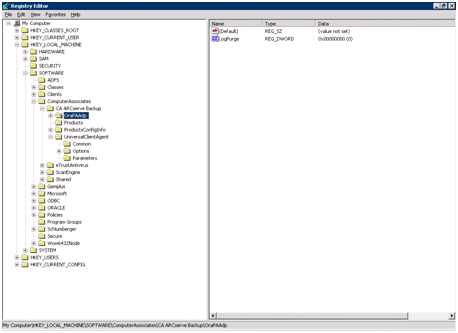
SOFTWARE\Wow6432Node\ComputerAssociates\CA ARCServe Backup\OraPAAdp
Important! Changes in the registry can affect how the agent behaves.
| Copyright © 2011 CA. All rights reserved. | Tell Technical Publications how we can improve this information |