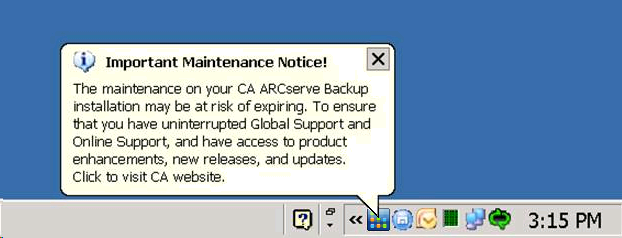
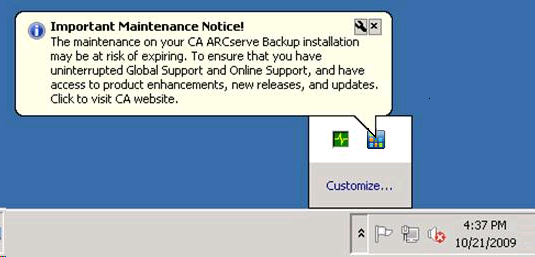
CA ARCserve Backup displays a maintenance notification message near the Windows system tray to help ensure that you are running the most current version of CA ARCserve Backup. The maintenance notification message appears nine months after you install or update CA ARCserve Backup.
The maintenance notification message appears near the Windows system tray area of your computer's desktop, as illustrated by the following screens.
Maintenance Options
After you click the maintenance notification message, the CA ARCserve Backup, CA Maintenance Program web site opens. The CA Maintenance Program web site lets you obtain product enhancements and updates, and install new releases of CA ARCserve Backup.
Nine months after you install CA ARCserve Backup, the maintenance notification message and the ARCserve tray icon open and close in 30-day intervals until you update your CA ARCserve Backup maintenance contract.
Note: Twelve months after you install CA ARCserve Backup, the maintenance messages open and close in six month intervals.
Alert Options
CA ARCserve Backup lets you disable and enable the maintenance notification message using the CA ARCserve Backup icon located in the Windows system tray.
| Copyright © 2010 CA. All rights reserved. | Email CA about this topic |