

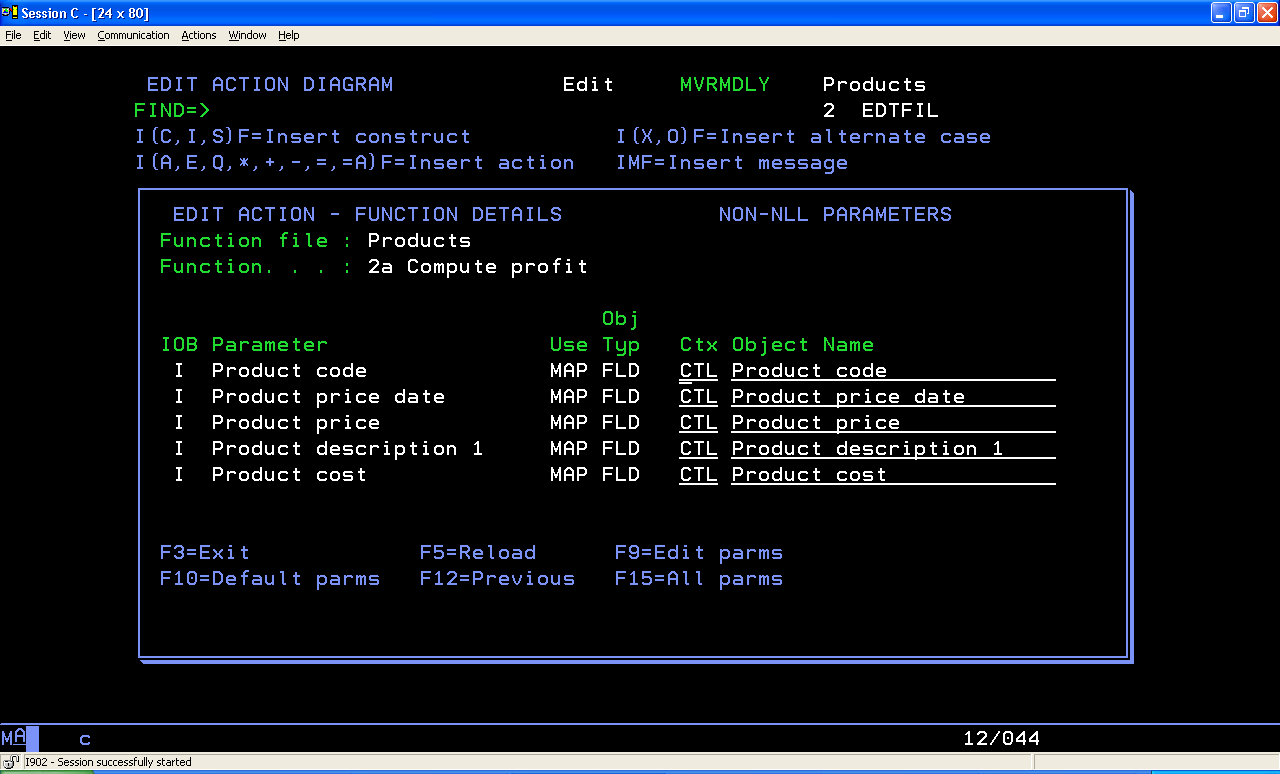
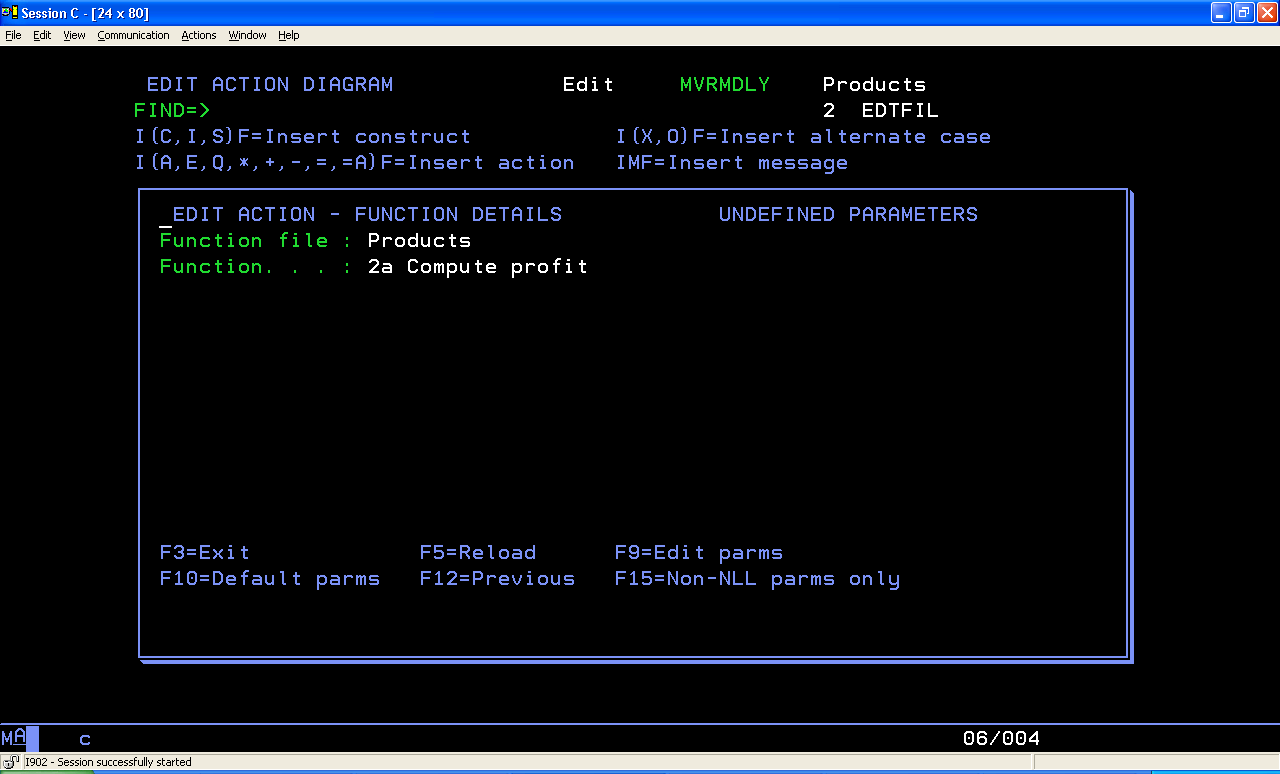
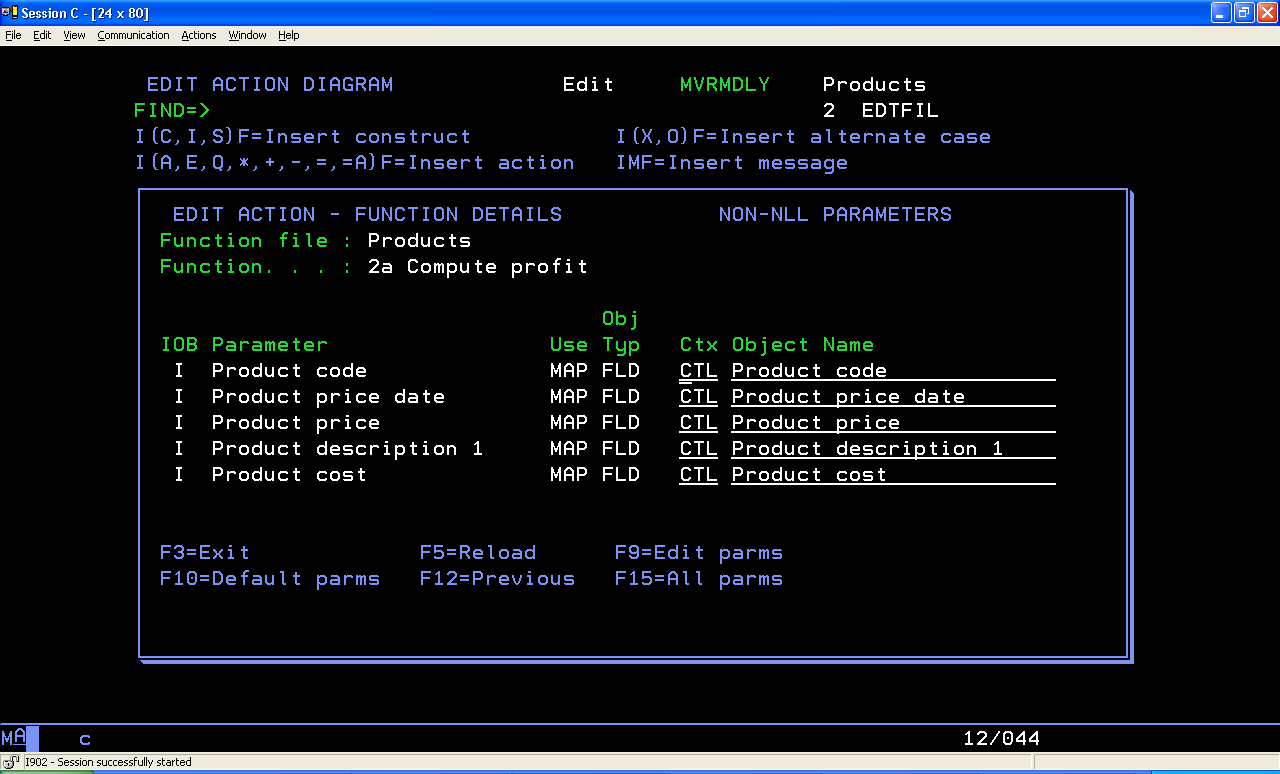
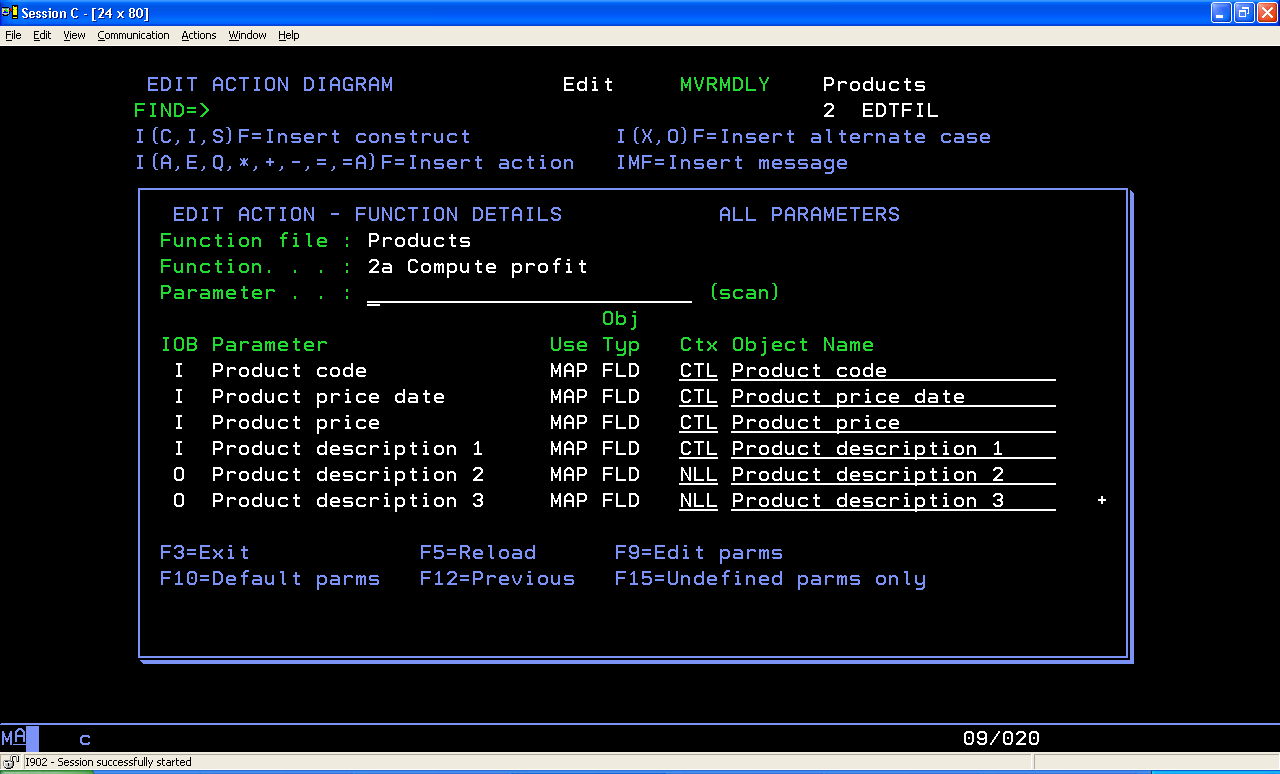
CA 2E lets you suppress the display of NLL parameters. Earlier you could press F15 in the Edit Action Diagram panel to display undefined parameters. Now this F15 function key is enhanced to toggle the display from ALL PARAMETERS to UNDEFINED PARAMETERS to NON-NLL PARAMETERS then back to ALL PARAMETERS again. Each time F15 is pressed, the screen title changes and its corresponding command key text changes.
The following is the initial enhanced display:
The following is the display after pressing F15:
The following is the display after pressing F15 again:
The following is the display after pressing F15 another time, which then ‘toggles’ back to the initial display of ALL PARAMETERS:
Note: Changes do not occur while pressing F15, the ENTER key must be pressed to confirm any changes to an action.
The following documentation deliverables were updated for this feature:
|
Copyright © 2014 CA.
All rights reserved.
|
|