

Copying Functions › Creating a New Function from One That Exists › From the Edit Functions Panel
From the Edit Functions Panel
To copy a function from the Edit Functions panel:
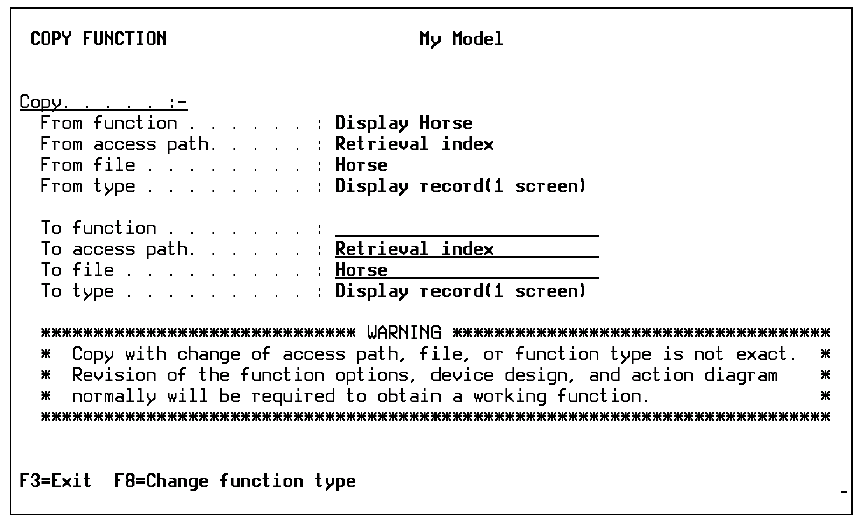
- Type C next to the function you want to copy and press Enter. The Copy Function panel appears.
- Specify the new function by typing the function, file, and access path names of your new function. If you want to change the function type, use F8.
- Press Enter to copy the function.
Note: Because copying between files and access paths is not exact, you should revisit the action diagram and device design of the copied function.
Copyright © 2014 CA.
All rights reserved.
|
|