

You are restricted in the placement of the fields from the Print Object function. Place the cursor on any PRTOBJ field and press F10. All the PRTOBJ fields are moved in a single block. In other words, you cannot manipulate the PRTOBJ fields individually from this panel. You are only allowed to alter the indentation of the whole PRTOBJ function relative to the left-hand margin of the PRTFIL function in which it is embedded. It is possible to specify individual formats of the PRTOBJ. You can specify an absolute indentation that is fixed relative to the left-hand margin of the report, regardless of any adjustments made to the indentation of the PRTOBJ as a whole.
In the current report design, the PRTOBJ fields are displayed after all the detail line records. This implies that all the horses will be printed followed by all the race entries. The advantage of the report as shown in the above panel is that it enables you to easily distinguish between the different formats. However, to meet the original requirements, you need to change the report functions to print one horse at a time followed by the corresponding race entries. You will do this in the next step.
Press F3 twice to exit the Device Design Editor. Save your design by accepting the default options.
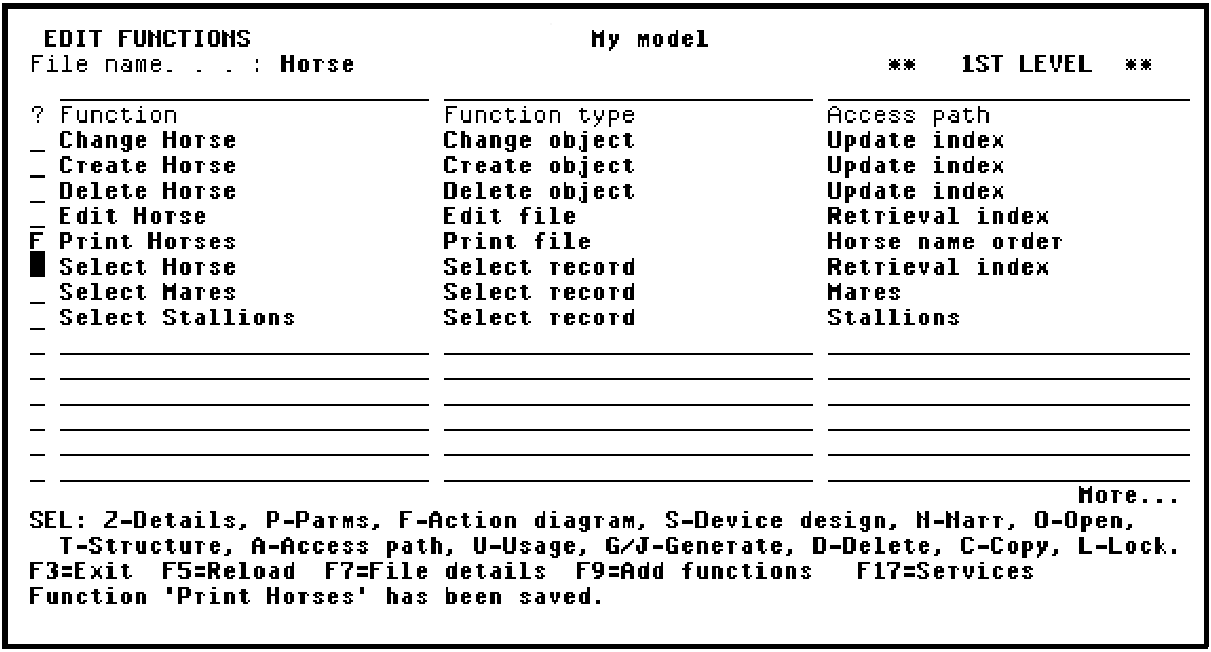
Press Enter.
|
Copyright © 2014 CA Technologies.
All rights reserved.
|
|