

You have just finished defining the two report functions. Press F3 to exit the Edit Functions panel for the RACE ENTRY file and return to the Edit Database Relations panel.
Go to the Edit Functions panel for the HORSE file. To do this, type Horse* on the selection line and press Enter. Then type F next to any HORSE relation and press Enter.
The next step is to combine the two functions so that the records from the Print Object function (each race entry) will be printed after each detail record in the Print File function (after the horse to which it applies). To do this, you will use the Edit Device Structure panel.
Type T against the Print Horses function.
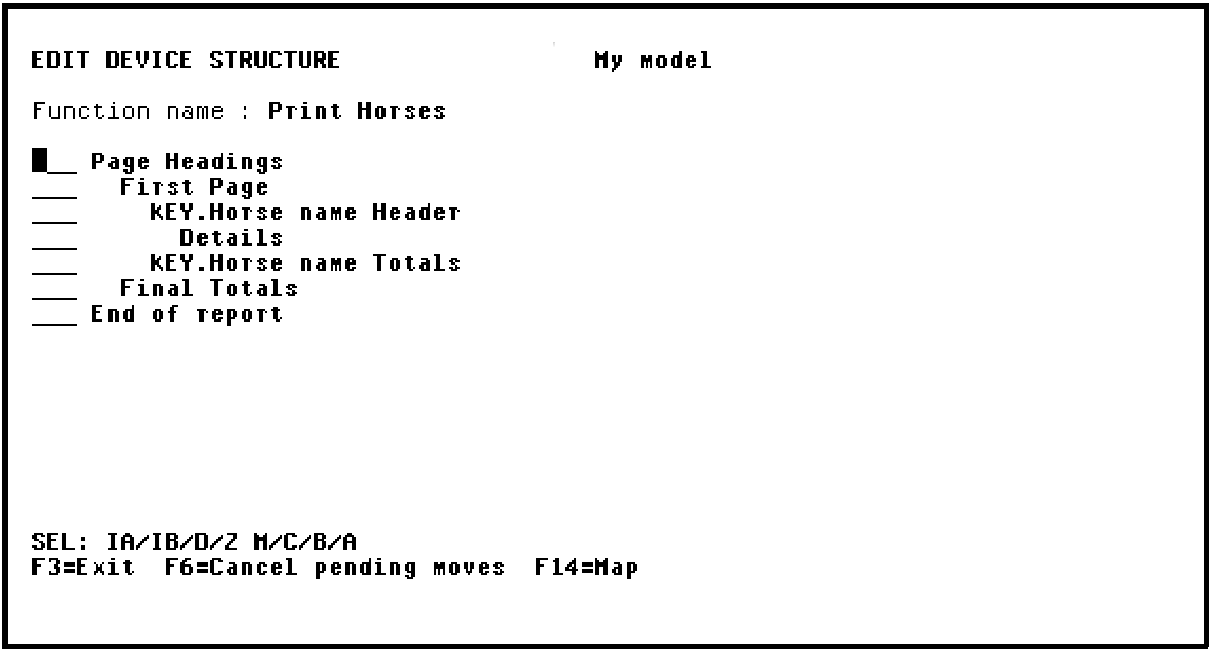
Press Enter.
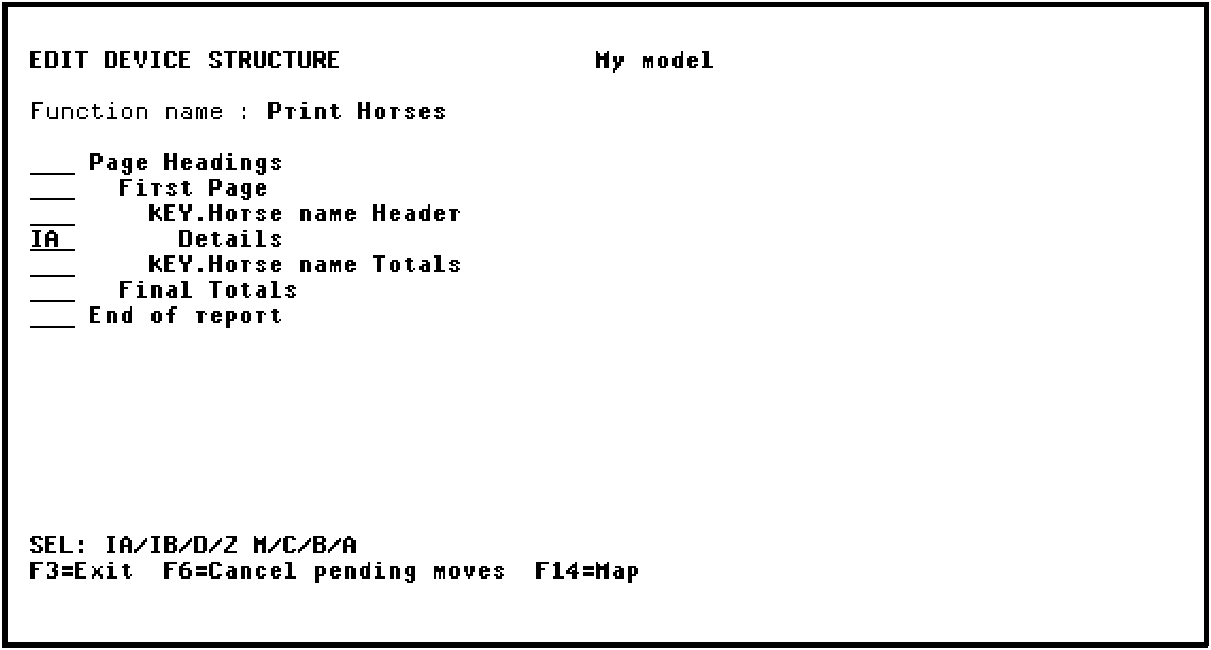
|
Copyright © 2014 CA Technologies.
All rights reserved.
|
|