

Report Functions › Introduction to the Print Object Function › Exercise - Updating the Report Layout
Exercise - Updating the Report Layout
Update the report layout using the same techniques as those in the device design updates you completed earlier in this tutorial. Perform the following steps.
- Display the report formats (F17) and drop the following formats: Race date header, Final totals, Horse name total, and Race date total.
- On the Detail line format, change the usage of the Race date field from hidden to output.
Hide all fields that are not required and adjust labels and label spacing until the design resembles the one shown.
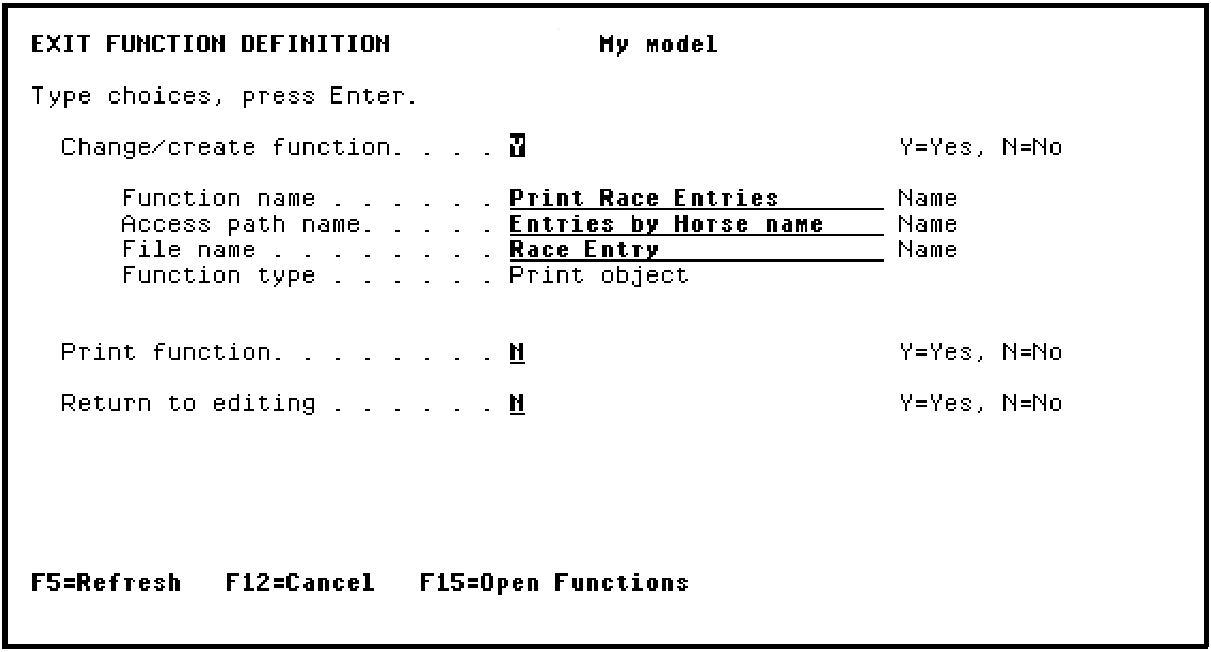
- Press F3 twice to exit.
Copyright © 2014 CA Technologies.
All rights reserved.
|
|