

Update the report device design by moving fields and changing labels and label spacing until the design meets your needs. Here’s an example.
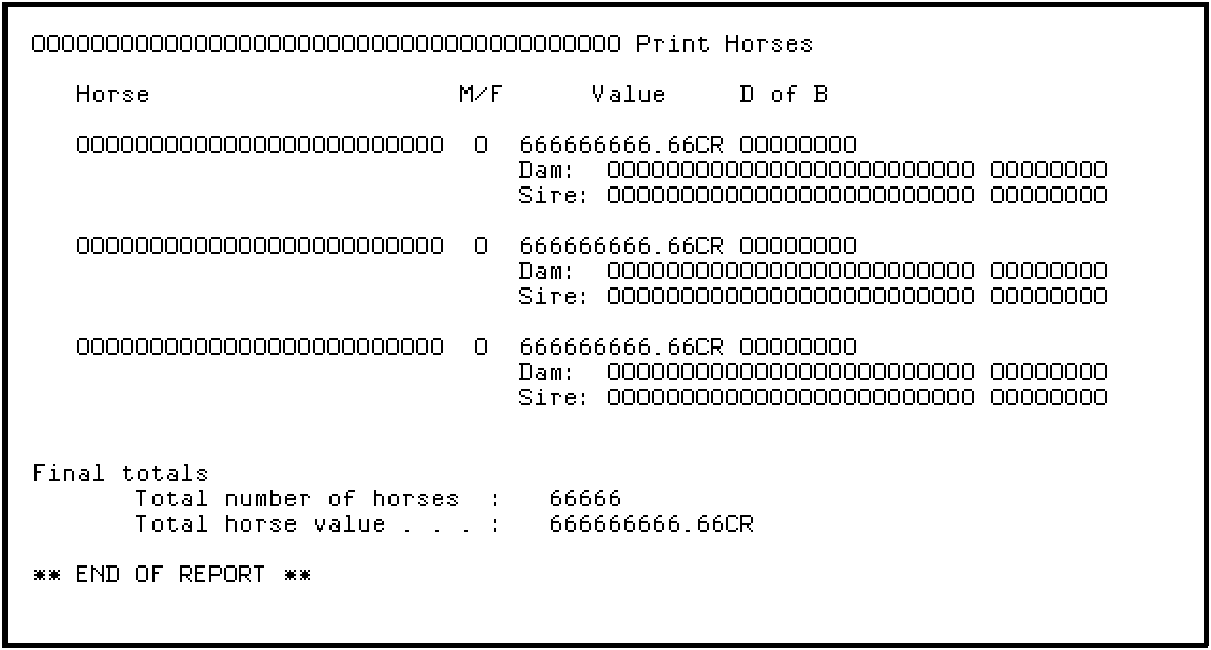
Note that to produce this design you will need to drop the Top of Page format (TOP) and the First Page Format (1PG) using the method you used to drop the 1HD and 2TL formats previously; hint, press F17.
When you have finished the report layout, press F3 to exit the device design.
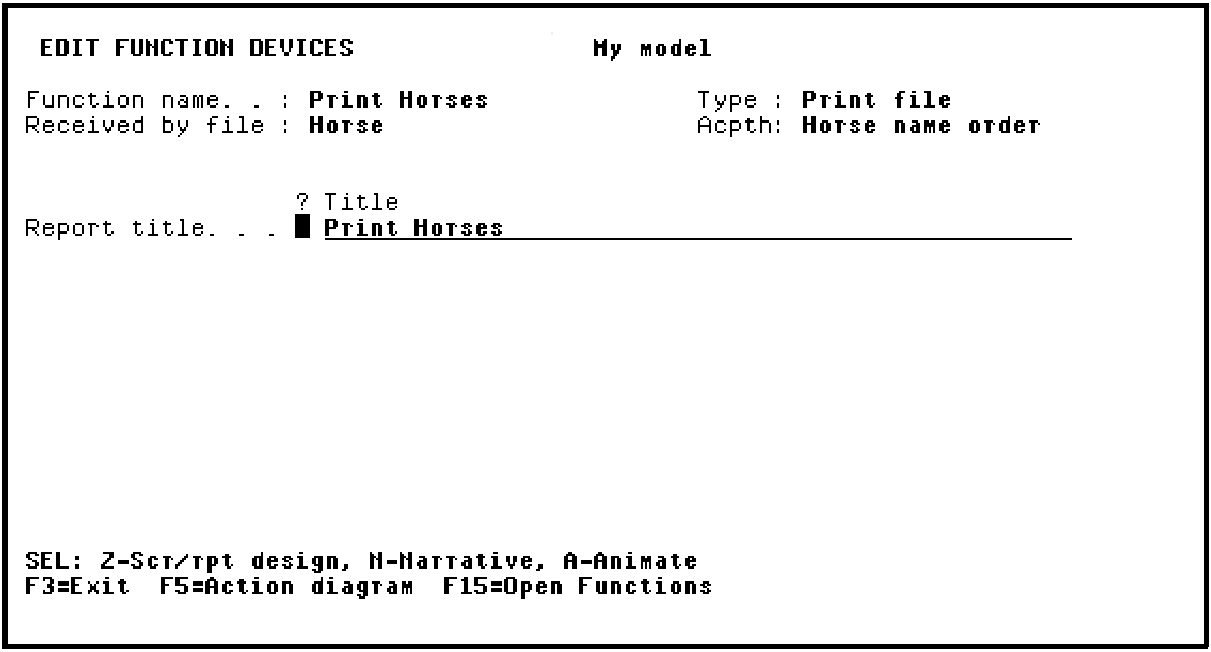
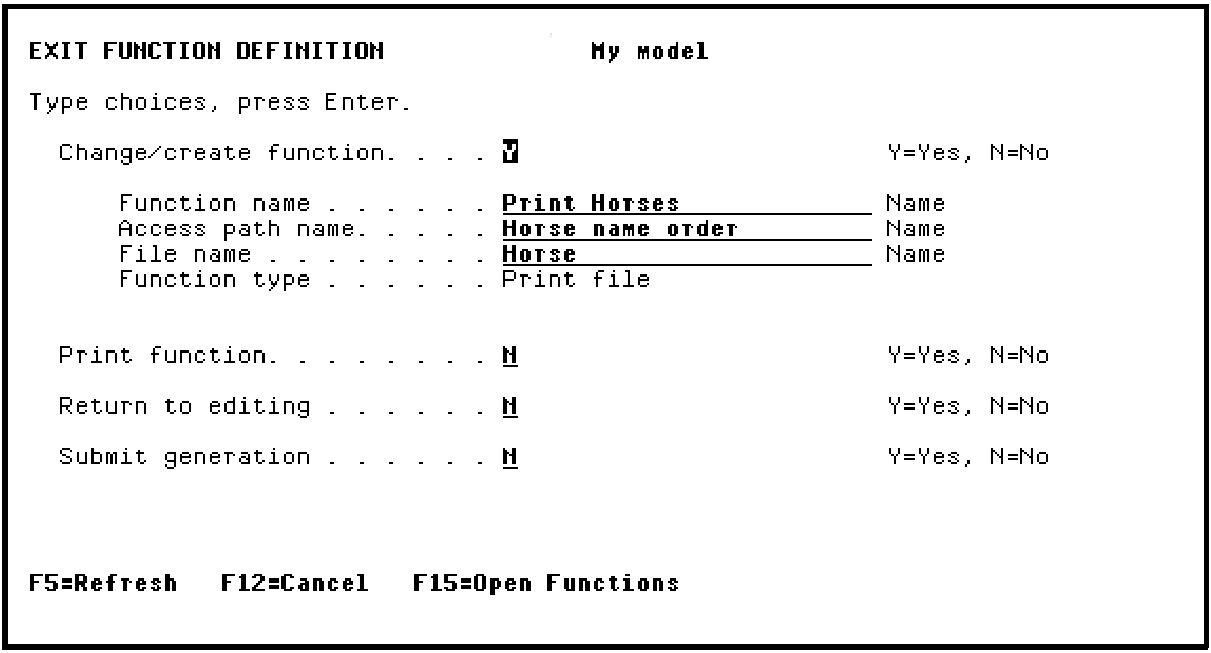
Press F3.
|
Copyright © 2014 CA Technologies.
All rights reserved.
|
|