

In this step, to make the report easier to read, you will specify a blank line between records and hide the Horse code, Dam code, and Sire code fields. In addition, you will change the Horse name field from hidden to output. By default, the Horse name field is hidden because it was originally present on the Horse name header format. Since the Horse name header format has been dropped, it now makes sense to have the Horse name appear on the Detail line format.
Place the cursor on the Horse code field.
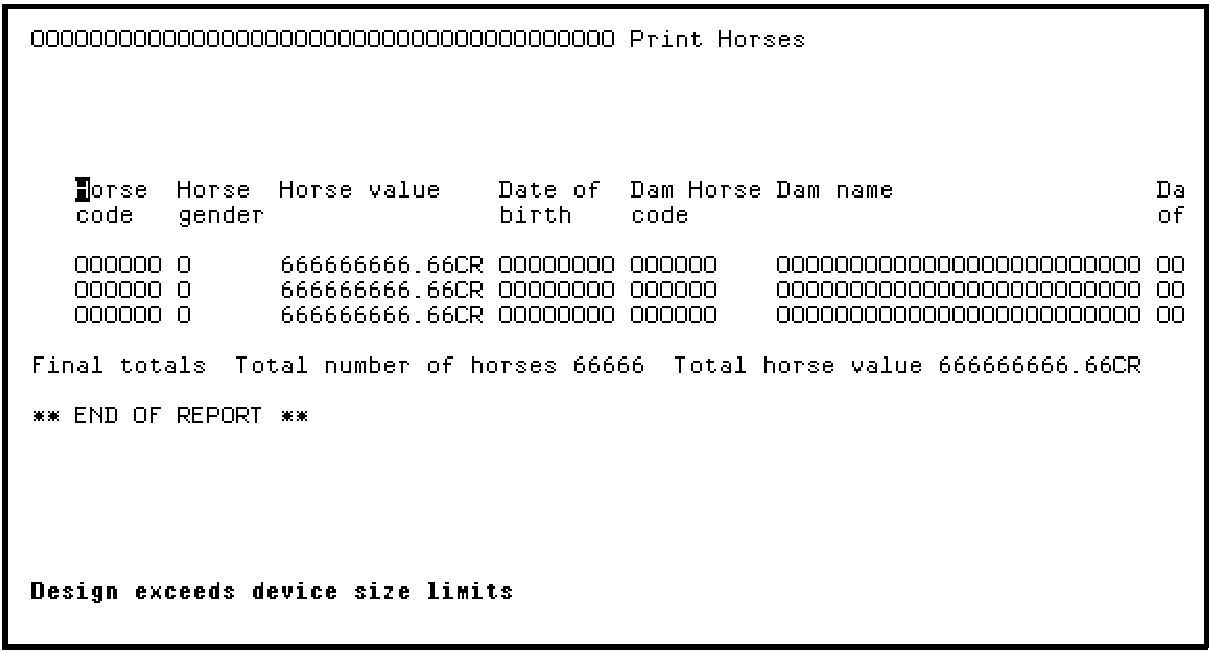
Press F5.
Type the options as shown; namely, type Y for Blank line between records, type O against Horse name, and type H against Horse code, Dam Horse code, and Sire Horse code to hide these fields on the report.
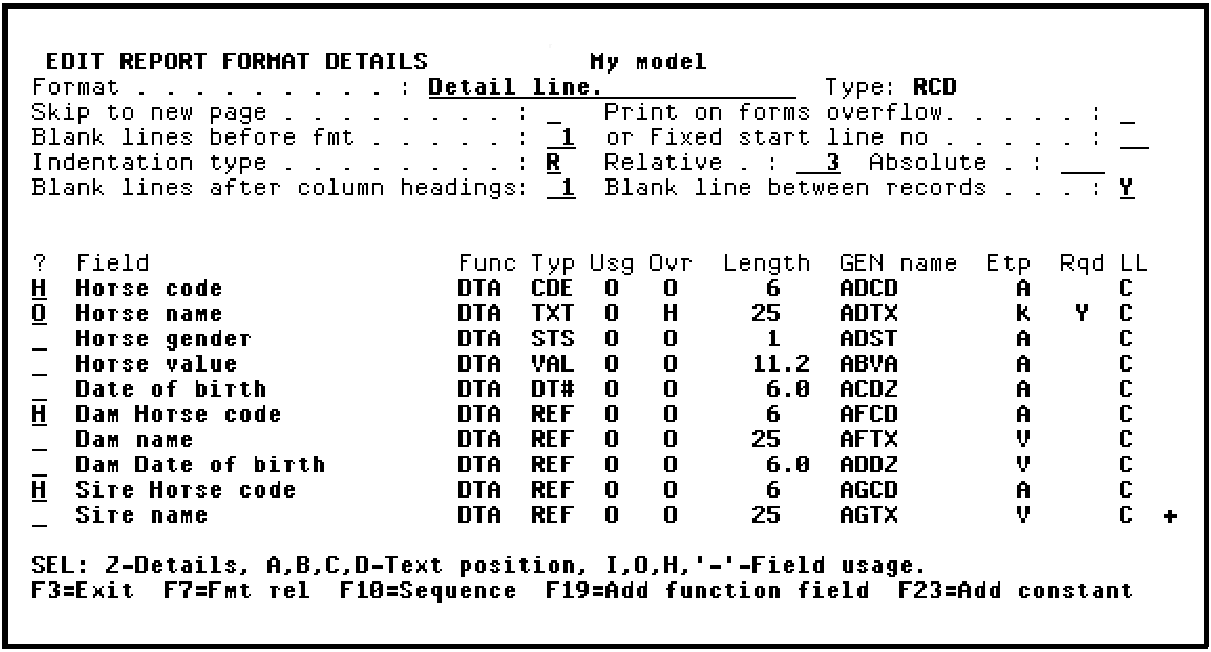
Press Enter. Note the changes in the Ovr column as a result of your entries. Press F3 to return to the device design.
|
Copyright © 2014 CA Technologies.
All rights reserved.
|
|