

The Edit Action - Function Details window will prompt you to confirm details of the function parameters. This panel shows the contexts from which the values of the parameters will be taken: NXT (next report format) and CUR (current report format).
The values for the Horse value parameter are taken from the CUR context. This context corresponds to the format upon which the processing of the function field takes place (the Detail line format). The NXT context corresponds to the format that follows the Detail line. In this case, the NXT context is the Final totals format.
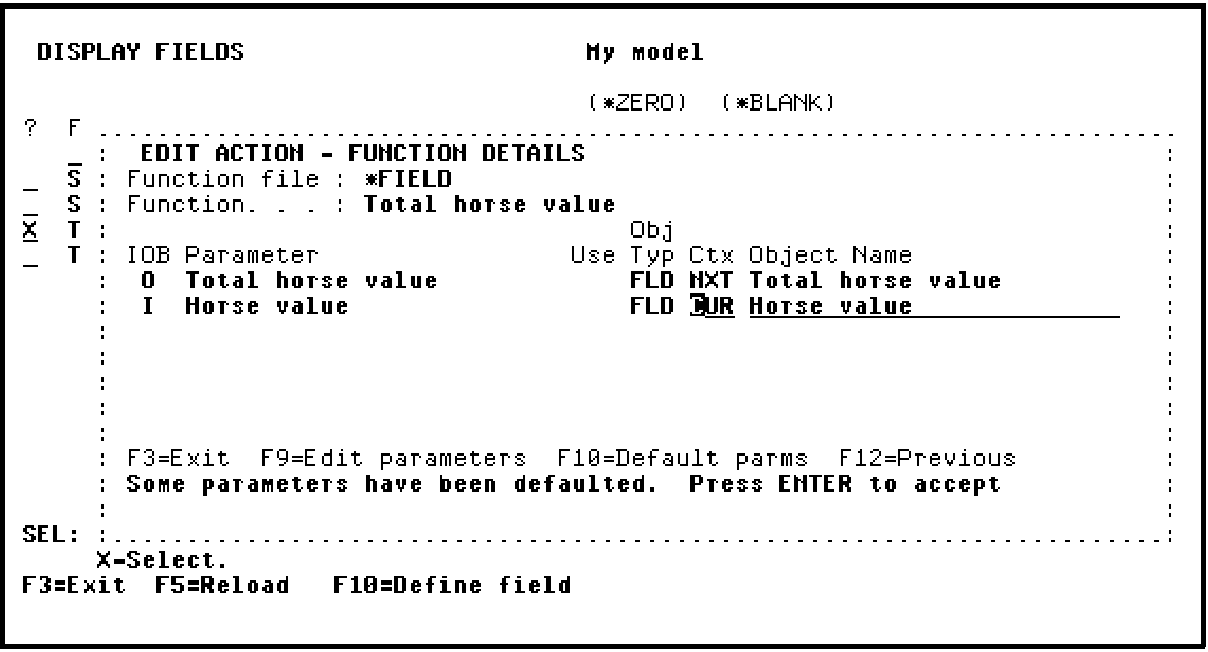
Press Enter to confirm the parameters. Press F13 to return to the report device design.
|
Copyright © 2014 CA Technologies.
All rights reserved.
|
|