

As mentioned previously, the function field itself is the output parameter. In this step, you need to specify an input parameter, which is the field to be counted. In this case, the Horse code field is the input parameter.
You can specify function parameters in two different ways. These can either be individual fields or an access path from which you select individual fields. In this example, you will specify the parameter as an individual field.
Type the parameter details.
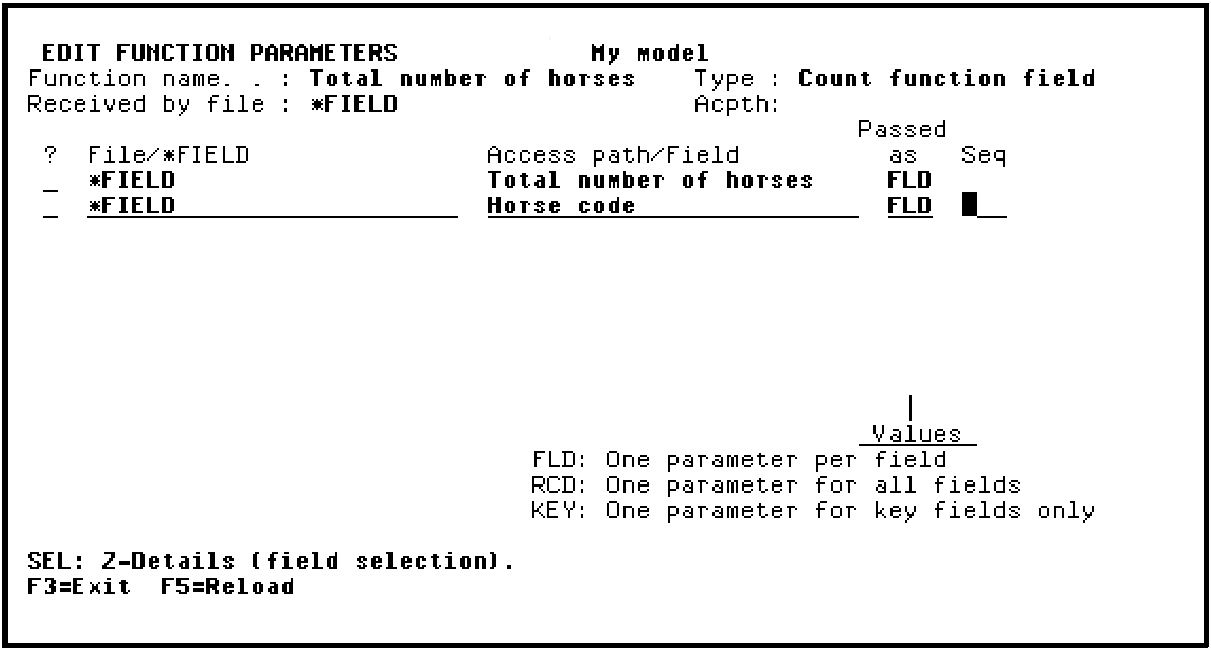
Press Enter.
The parameter usage defaults to input. You can check this for yourself by typing Z against Horse code on the Edit Function Parameters panel.
Press F3 to exit.
|
Copyright © 2014 CA Technologies.
All rights reserved.
|
|