

Remember that virtual entries are not automatically added to an access path. As a result, you need to add the Dam name, Dam Date of birth, Sire name, and Sire Date of birth virtual fields explicitly so they will appear on the report you are designing.
Type V against the access path format.
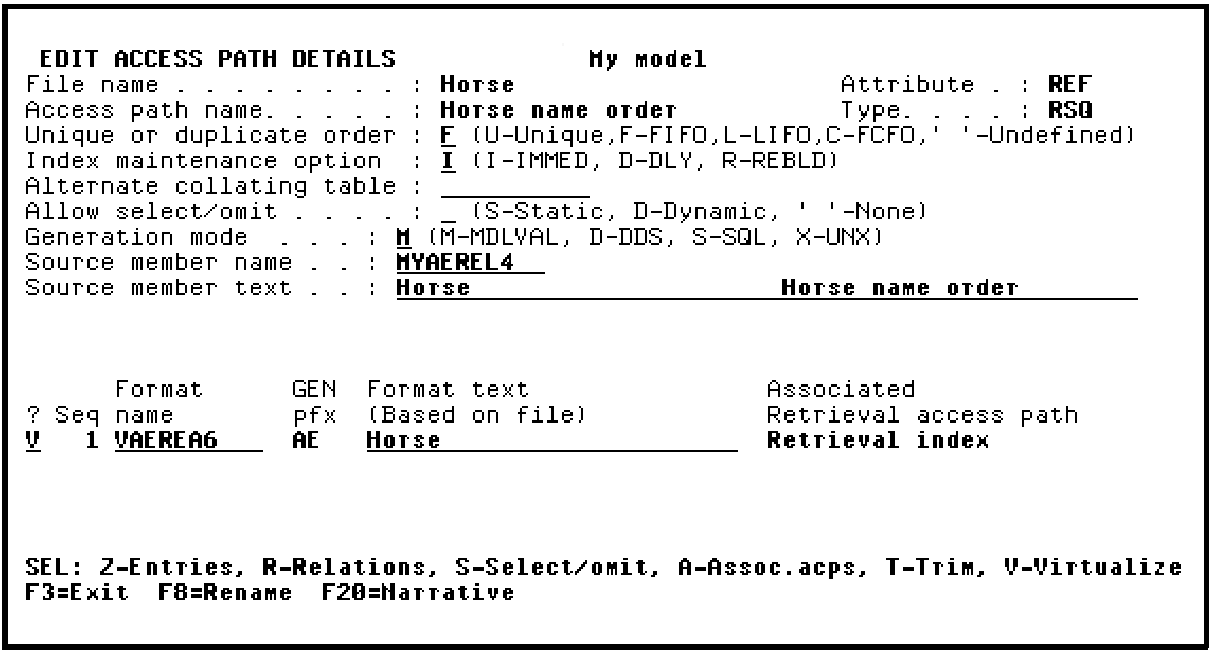
Press Enter to display the Virtualize Access Path panel.
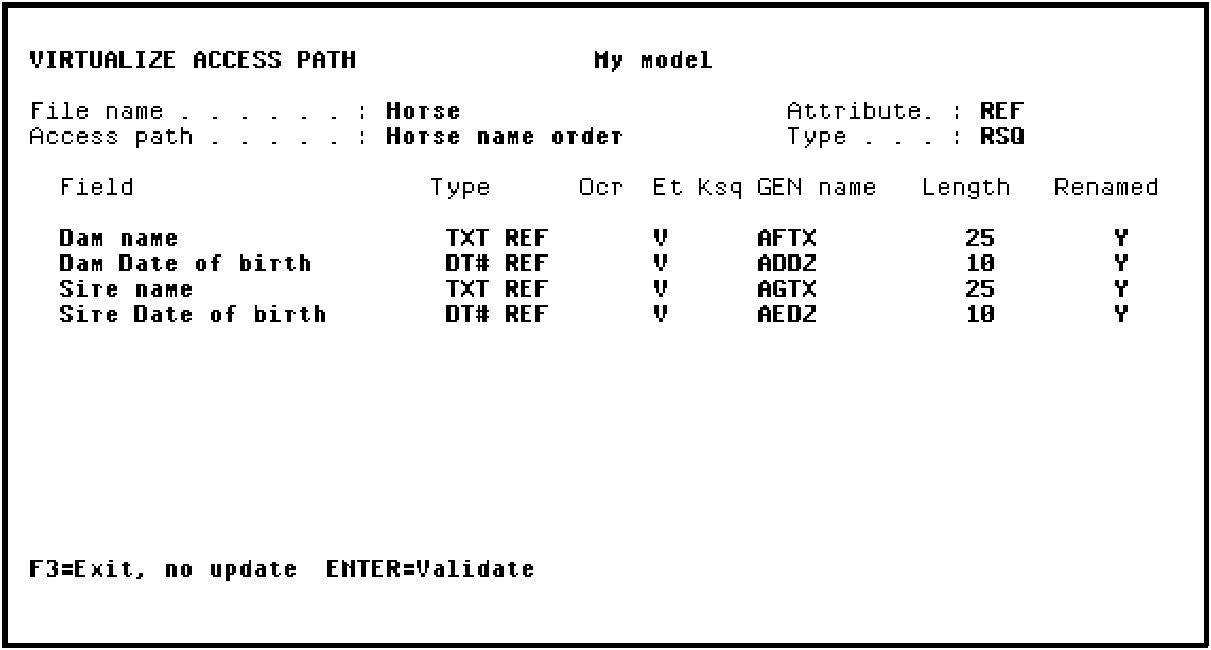
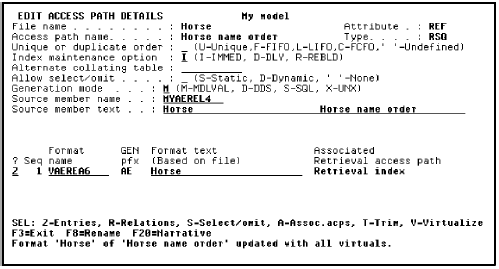
Press Enter twice to validate and confirm the virtual entries displayed. Notice the message at the bottom of the Edit Access Path Details panel.
You used the Edit Access Path Details panel earlier in this tutorial to specify a RSQ access path. You will use the same process here to specify a new key order on the access path format.
Type Z against the access path format.
Press Enter
|
Copyright © 2014 CA Technologies.
All rights reserved.
|
|