

In addition to saving changes to the function, you can use the Exit Function Definition panel to submit the function and display file for generation by setting the Submit generation field to Y.
Accept the default of Y for Change/create function to save your changes and change the Submit generation field to Y.
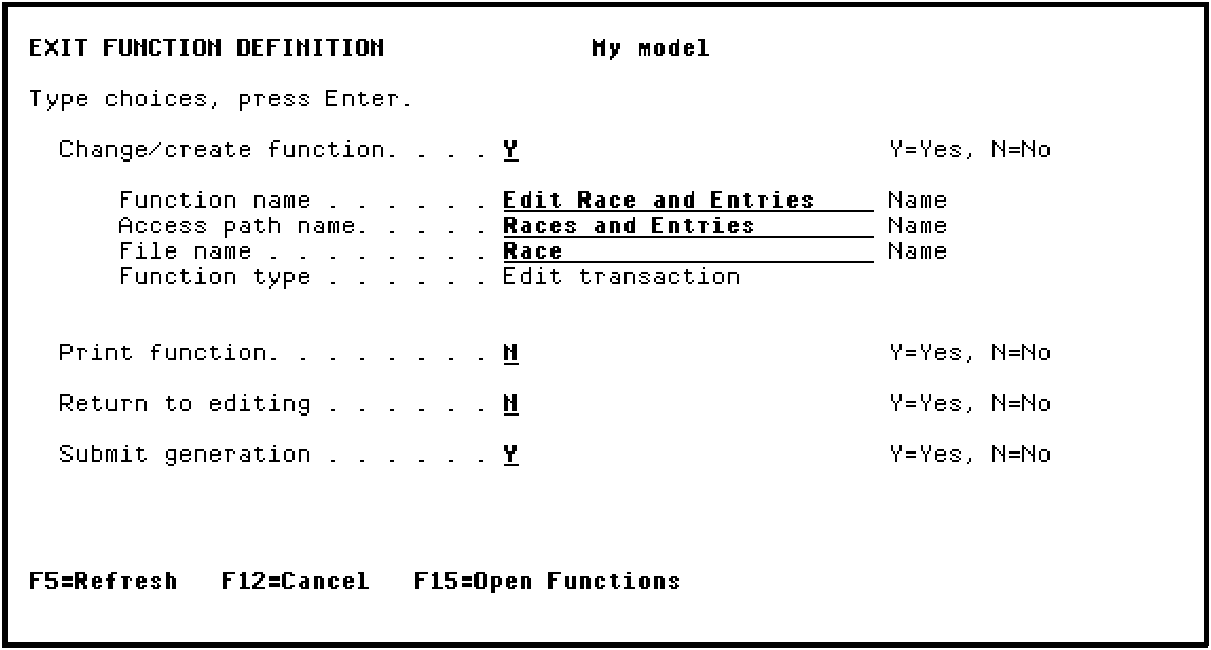
Press Enter.
You will be returned to the Edit Functions panel. Messages indicating that the function has been saved and submitted for generation will appear at the bottom of the panel.
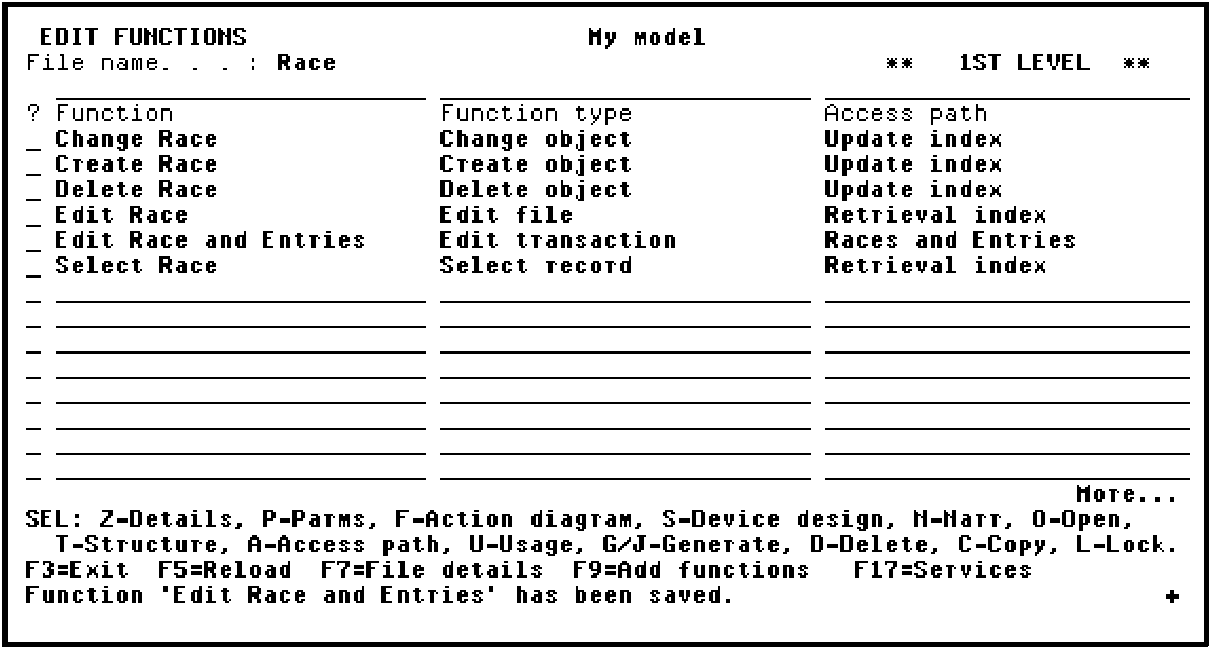
You have now created a program that allows the end user to update the two files, RACE and RACE ENTRY, simultaneously.
|
Copyright © 2014 CA Technologies.
All rights reserved.
|
|