

The completed action diagram should look like this.
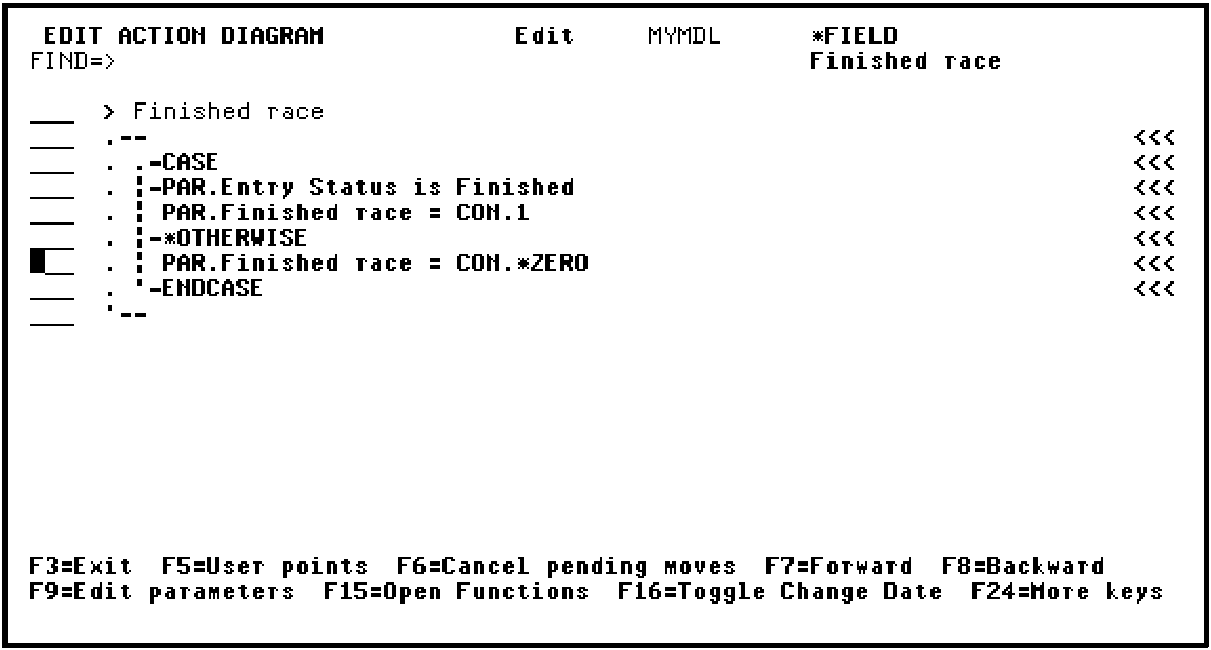
Press F13 to exit the action diagram for the Finished race function field.
Accept the default of Y to save the Finished race function field.
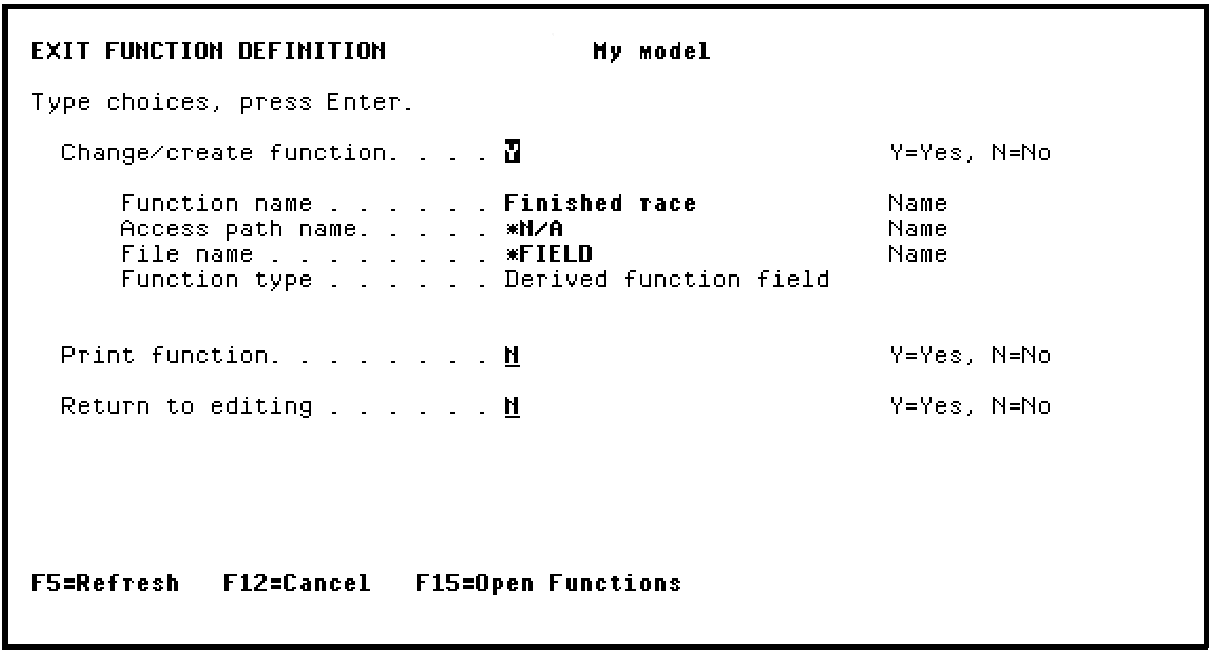
Press Enter to return to the action diagram for the Edit Race and Entries function.
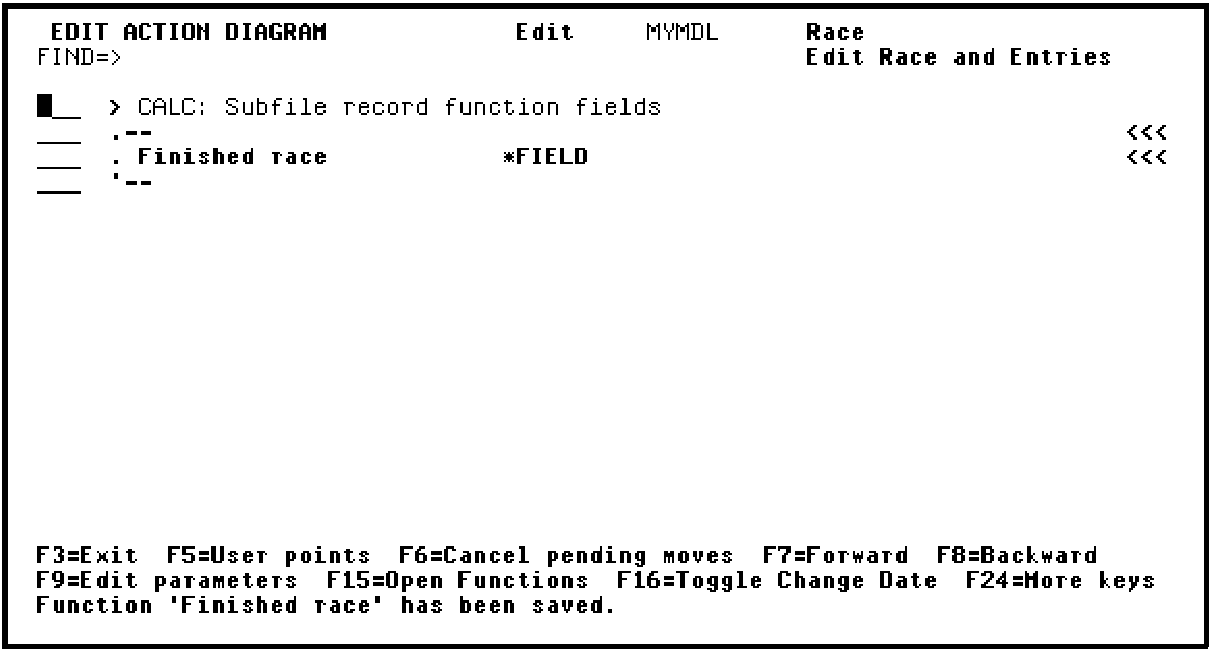
Press F13 to exit the action diagram for the Edit Race and Entries function.
Accept the default of Y to save the function definition.
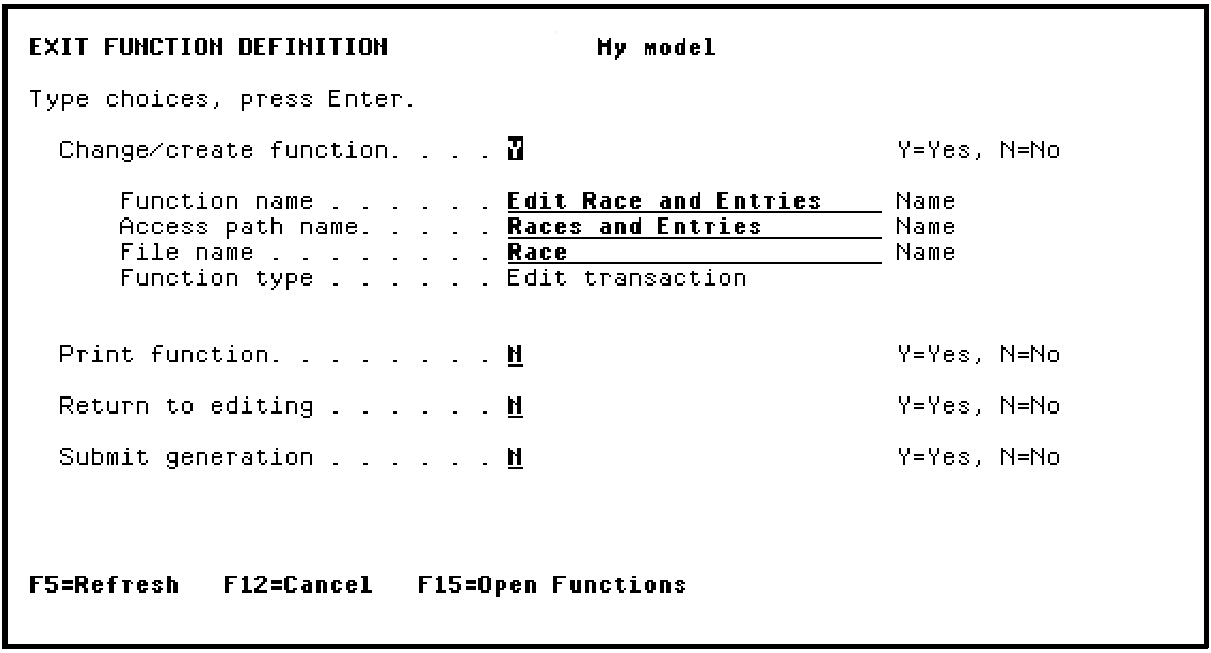
Press Enter.
|
Copyright © 2014 CA Technologies.
All rights reserved.
|
|