

You will now define the action for the user-defined (DRV) function field, Finished race. This will require entering logic into the action diagram for the Edit Race and Entries function.
Press F5 to view the action diagram for the Edit Race and Entries function.
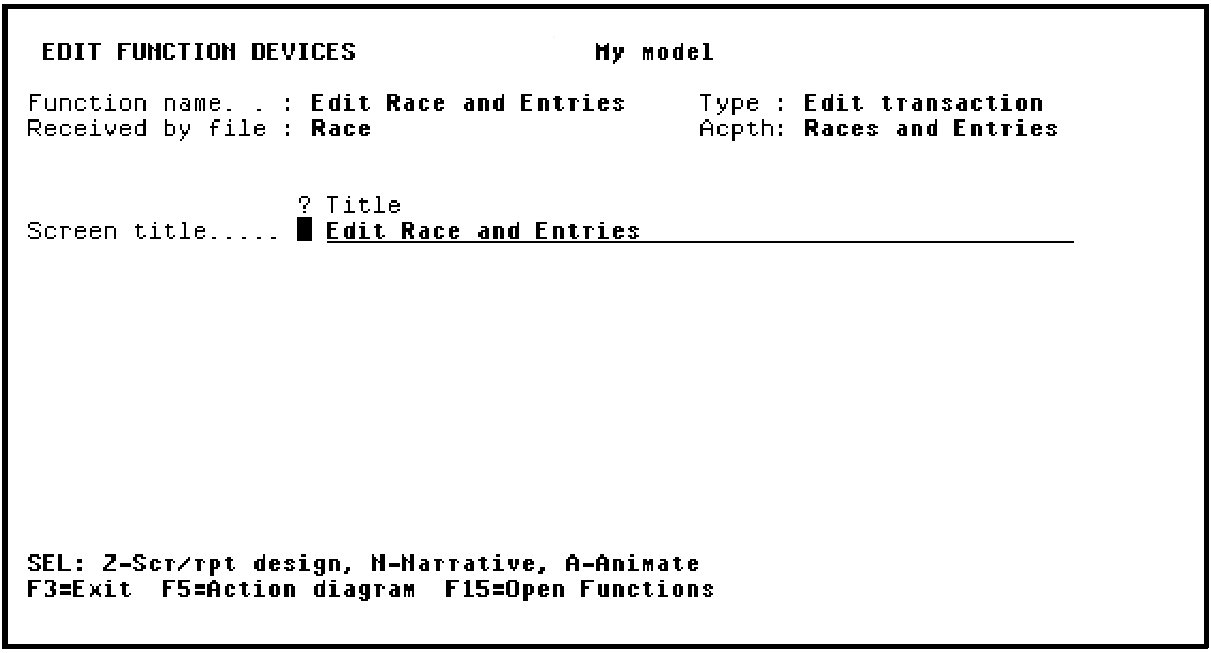
Press F5 to view the Action Diagram User Points.
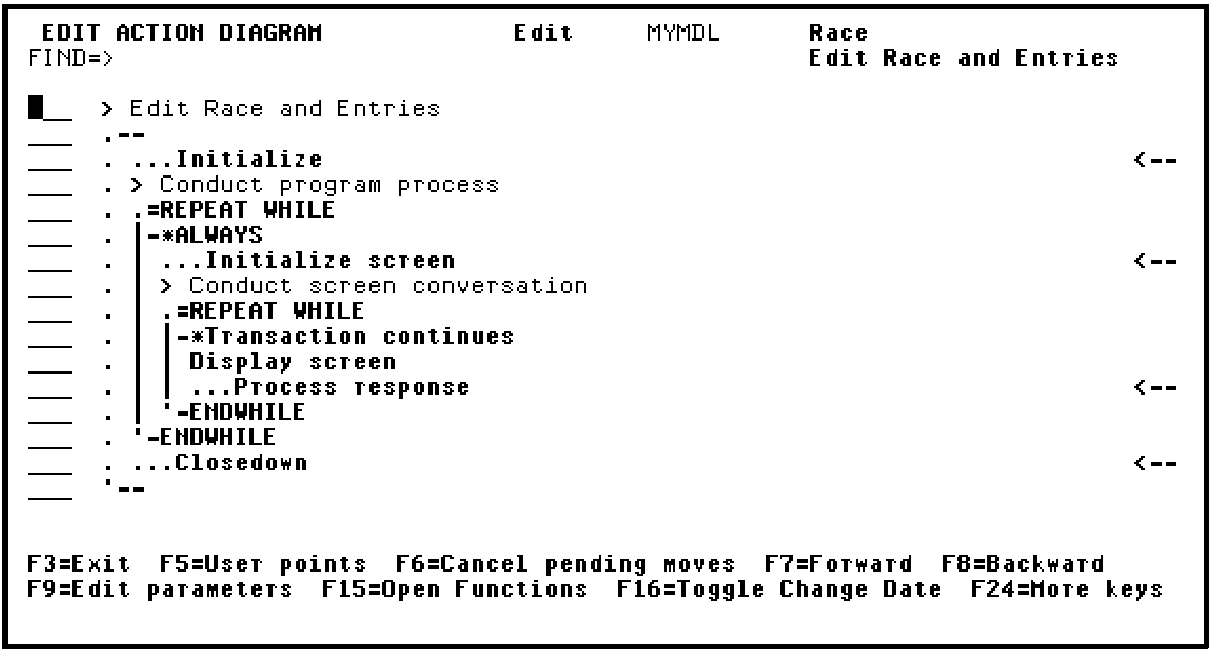
Recall that the user points are the places in the action diagram that you can change.
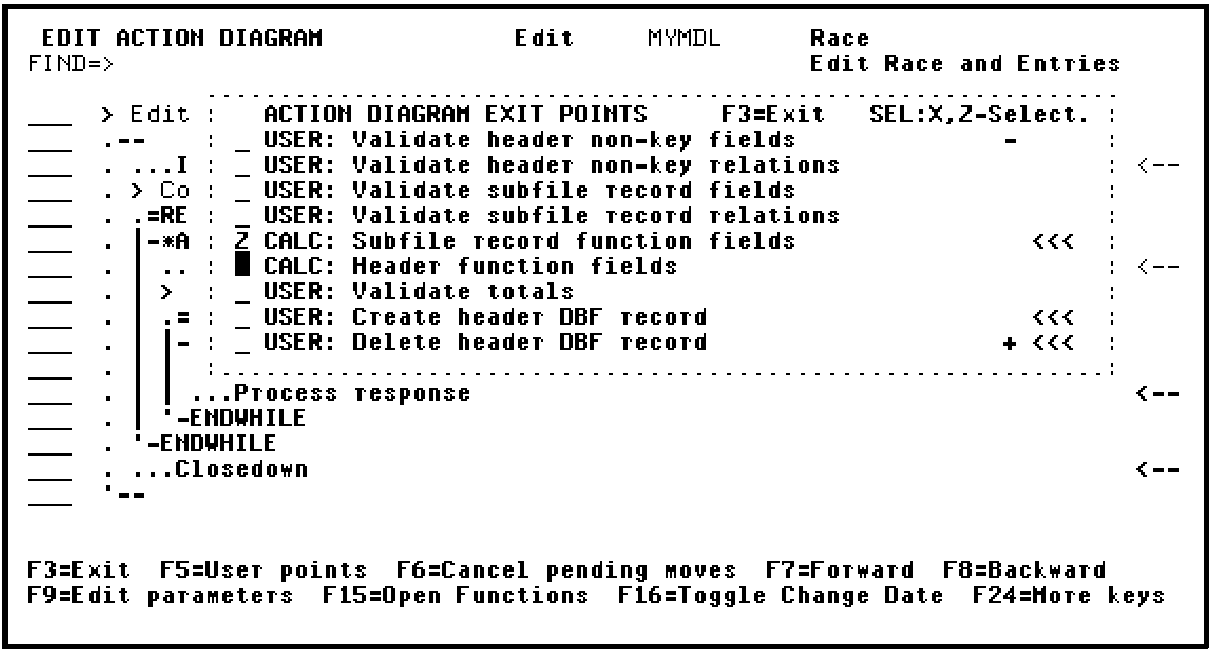
Press Roll Up to see the next set of user points.
Type Z against the CALC: Subfile record function fields user point.
Press Enter. Note that CA 2E automatically inserted the Finished Race function field in the action diagram for the Edit Race and Entries function.
Type Z against Finished Race as shown to insert logic for the function field.
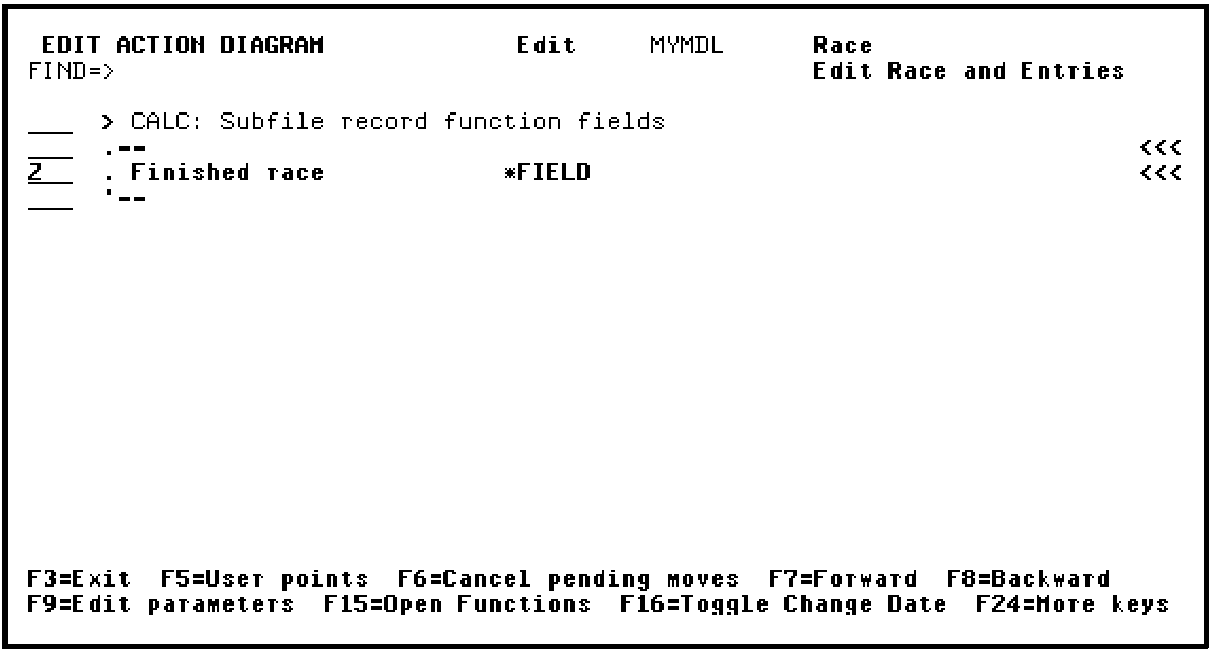
Press Enter.
|
Copyright © 2014 CA Technologies.
All rights reserved.
|
|