

From the Edit File Details panel, you can transfer directly to the Edit Functions panel for the RACE file by pressing F7.
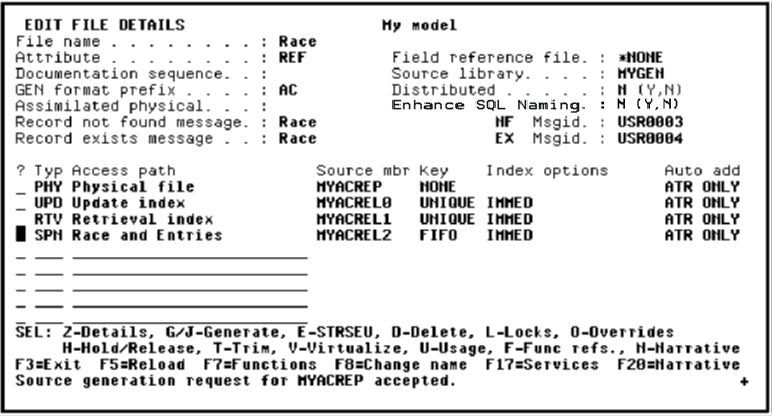
Press F7 to access the Edit Functions panel.
Type the function details; namely, type Edit Race and Entries for the Function name, EDTTRN for the Function type, Race and Entries for the Access path, and S to edit the device design.
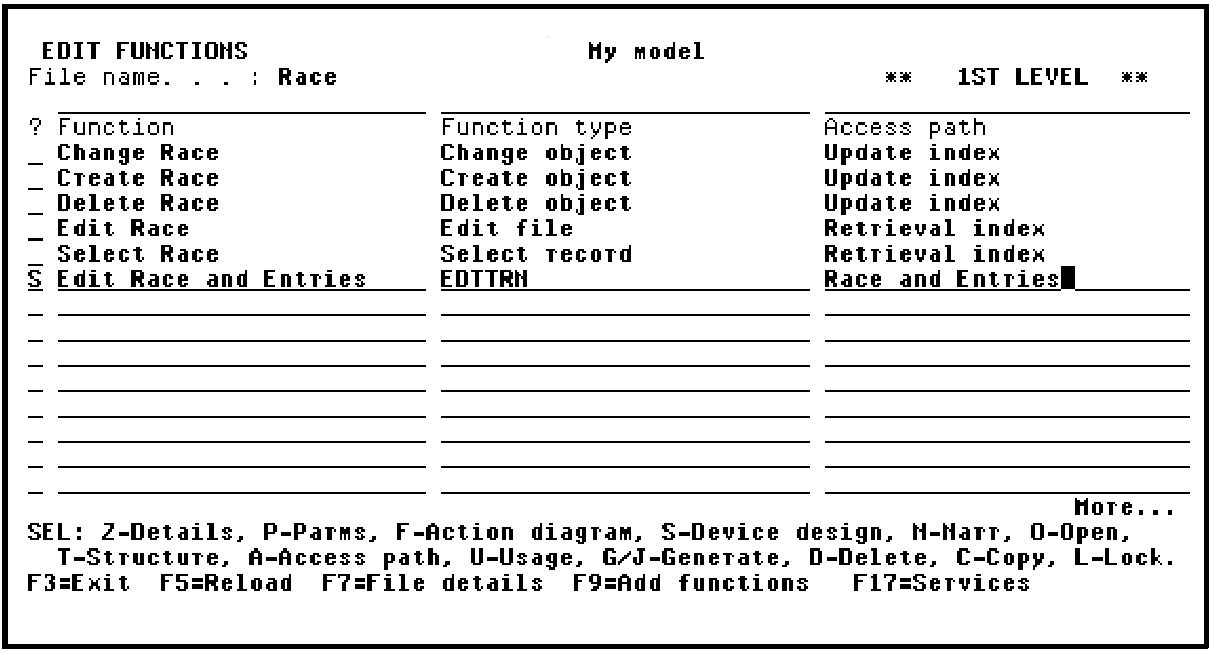
Press Enter to create the Edit Race and Entries function and display the device design.
|
Copyright © 2014 CA Technologies.
All rights reserved.
|
|