

An access path format defines a view upon a physical file. By default, it makes all of the non-virtual entries in that file available. An access path format can be defined as a list of access path relations that will be resolved into a list of field entries. Relations can be removed from a view on the Edit Access Path Relations panel.
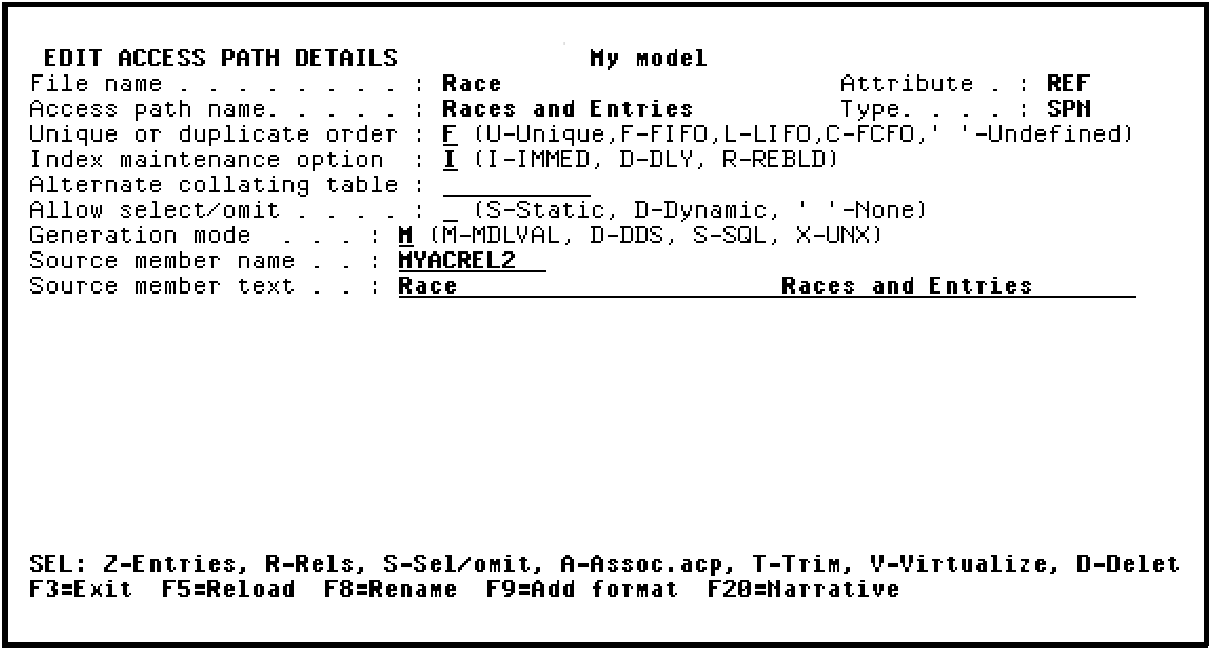
When you previously used the Edit Access Path Details panel, the access path format was automatically provided. For the SPN access path you must explicitly add the formats. Note that it is important that you add the formats in the correct sequence: header format first, detail format second.
Press F9 to display the Display Access Path Formats panel where you will add the format for the subfile control (header).
|
Copyright © 2014 CA Technologies.
All rights reserved.
|
|