

You need to generate and compile the new current version so the source and program object contain the new functionality. Type 14 in the Subfile selector as shown to submit a request for batch generation.
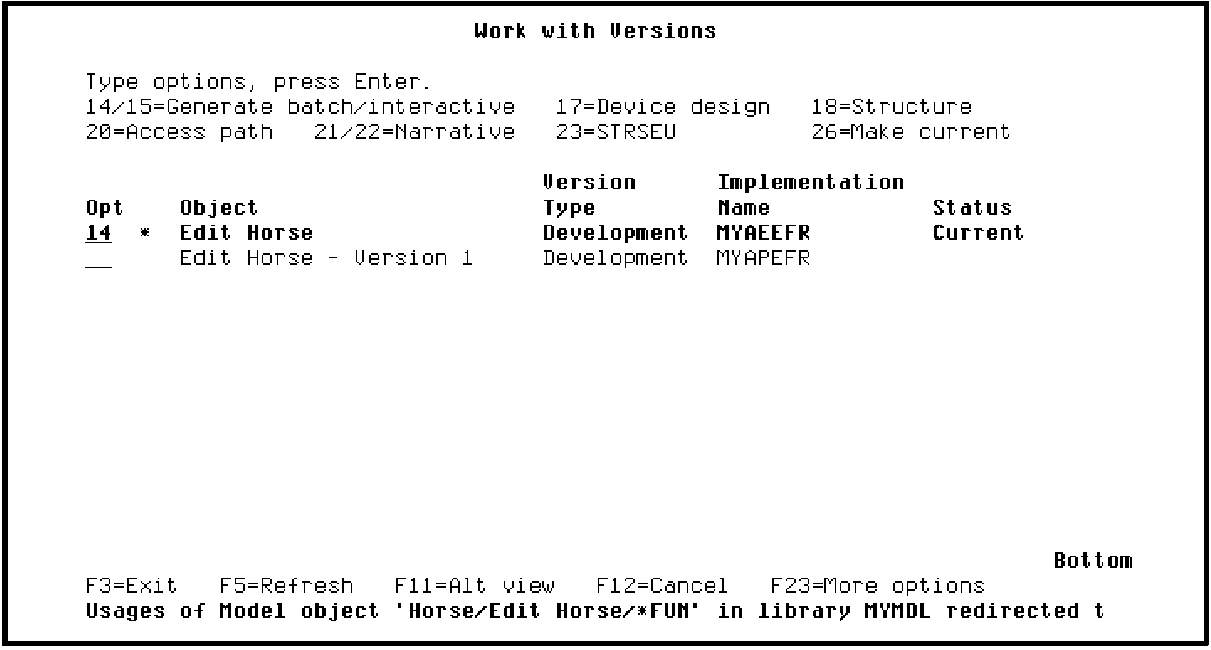
Press Enter to submit the request. Press F3 to return to the Edit Model Object List panel. The 0 to the right of the Subfile selector of the Edit Horse list entry indicates that it is a non-current version.
|
Copyright © 2014 CA Technologies.
All rights reserved.
|
|