

One way to access the All Objects List is to type *ALLOBJ in the List field at the top of the Edit Model Object List panel.
Type *ALLOBJ for the List field.
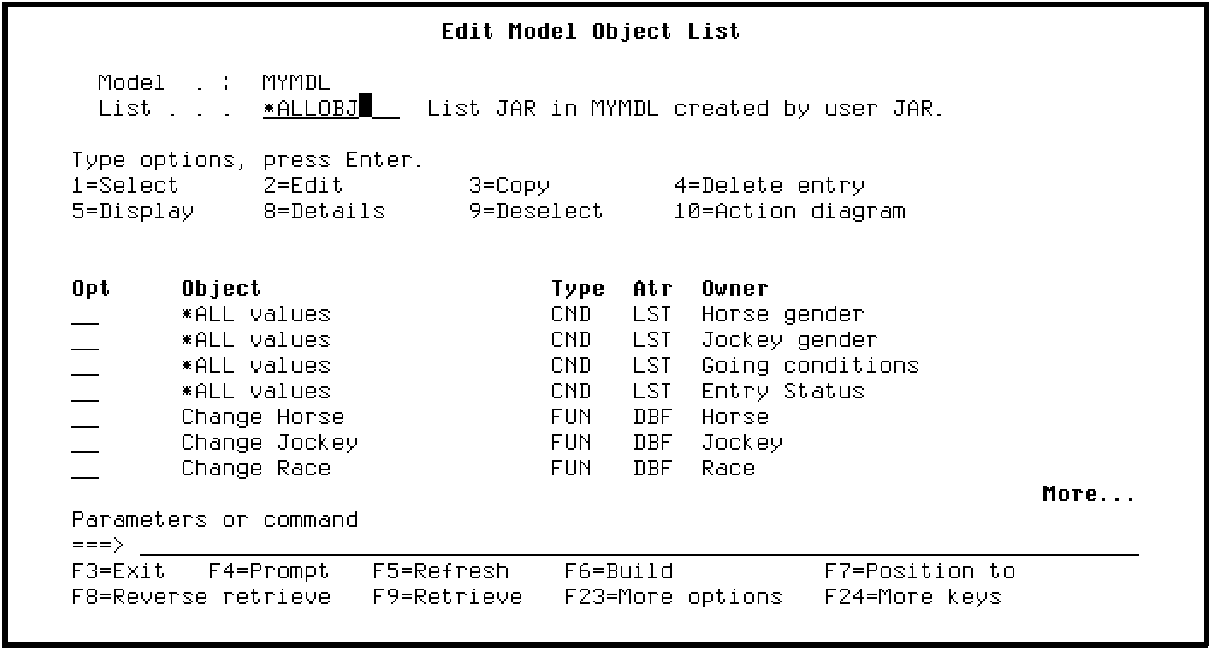
Press Enter.
The List field now contains *ALLOBJ. This means there is a one-to-one correspondence between the model objects displayed and the actual model objects that comprise your model. In particular, note that the model object you deleted from your session list, namely, Change Course, appears on the All Objects List.
|
Copyright © 2014 CA Technologies.
All rights reserved.
|
|