

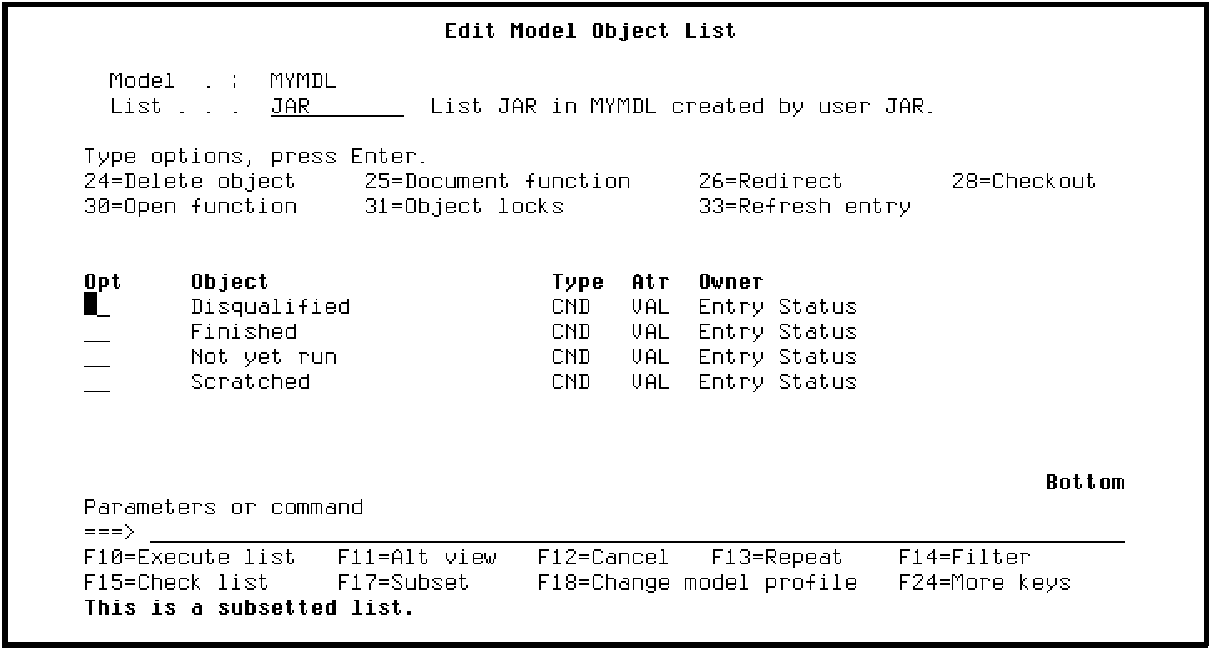
You can also edit only specific objects by subsetting the model list first. Suppose you want to view and possibly change the condition values you defined for the Entry Status field on the RACE ENTRY file. For example, you can change the condition names and status values. Note that you cannot add a new condition in this way since you need to use the Edit Database Relations panel to create a model object.
Press F17 to display the Subset Model Objects panel. Type *CND for the Type field, VAL for the Attribute field, and Entry Status for the Owner field.
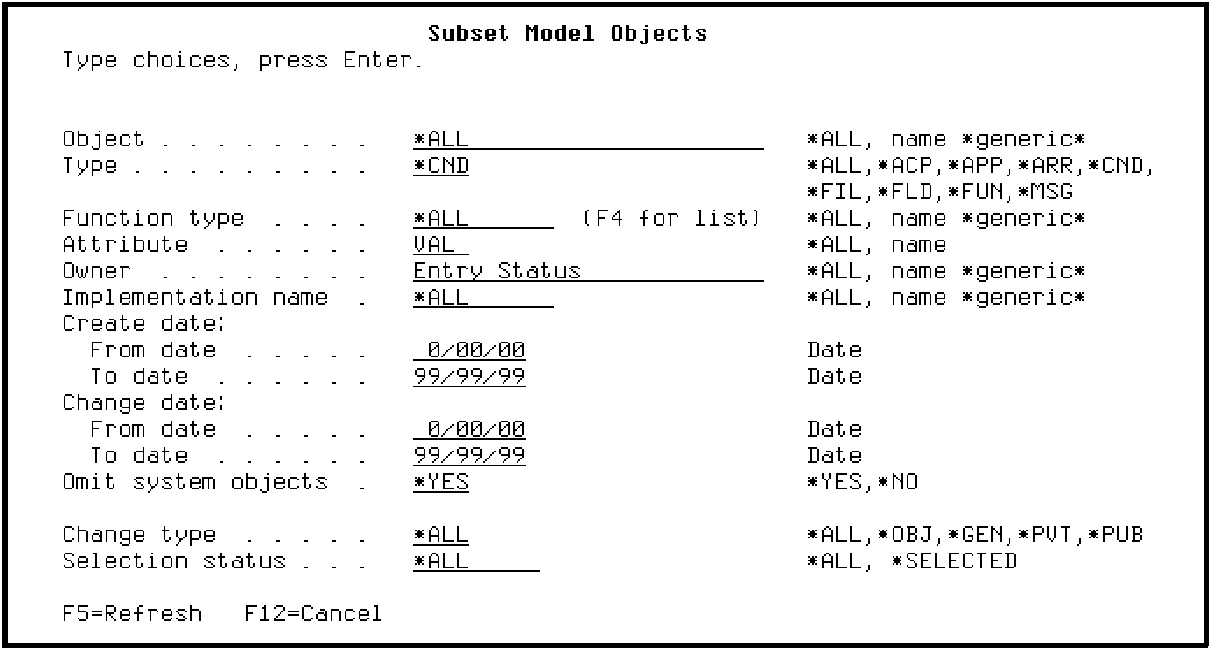
Press Enter twice to display the subsetted list.
|
Copyright © 2014 CA Technologies.
All rights reserved.
|
|