

At the beginning of this tutorial, you created a session list with the same name as your model profile. A session list is a model object list to which all model objects you change, add, or delete during a session are logged. Your session list should now contain all objects you added or changed while working on the horse racing model.
From the CA 2E Designer (*DSNR) Menu, select the Edit Session List (changed objects) option.
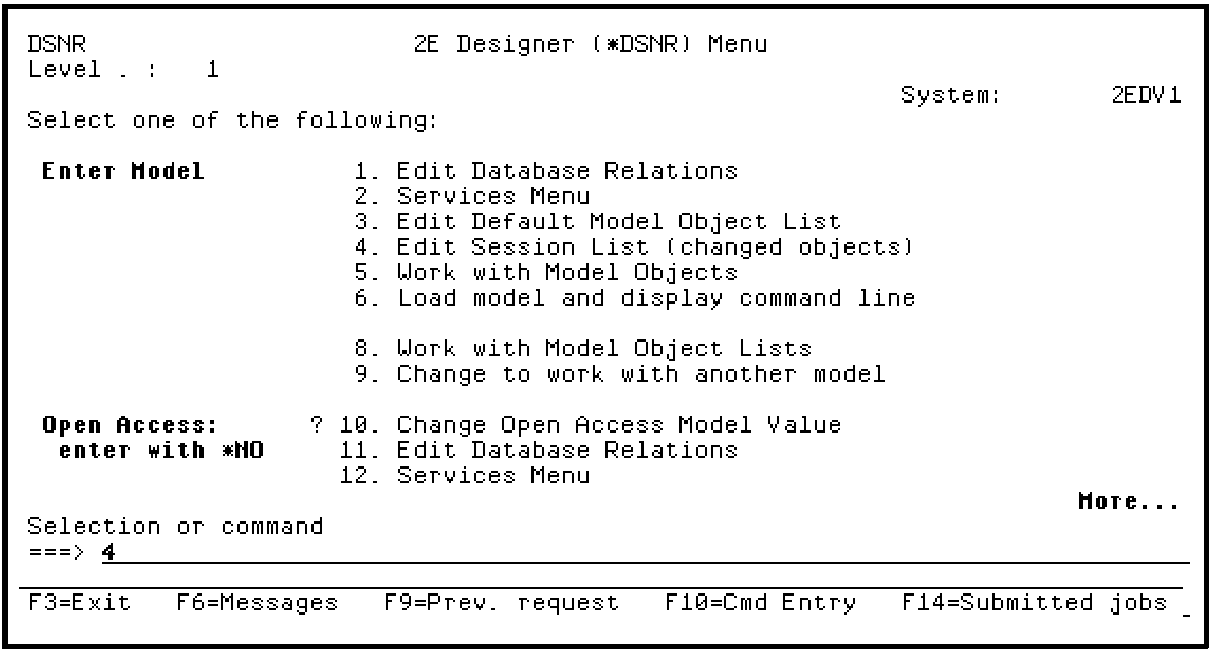
Press Enter.
The Edit Model Object List panel displays showing all model objects you changed during the tutorial.
|
Copyright © 2014 CA Technologies.
All rights reserved.
|
|