

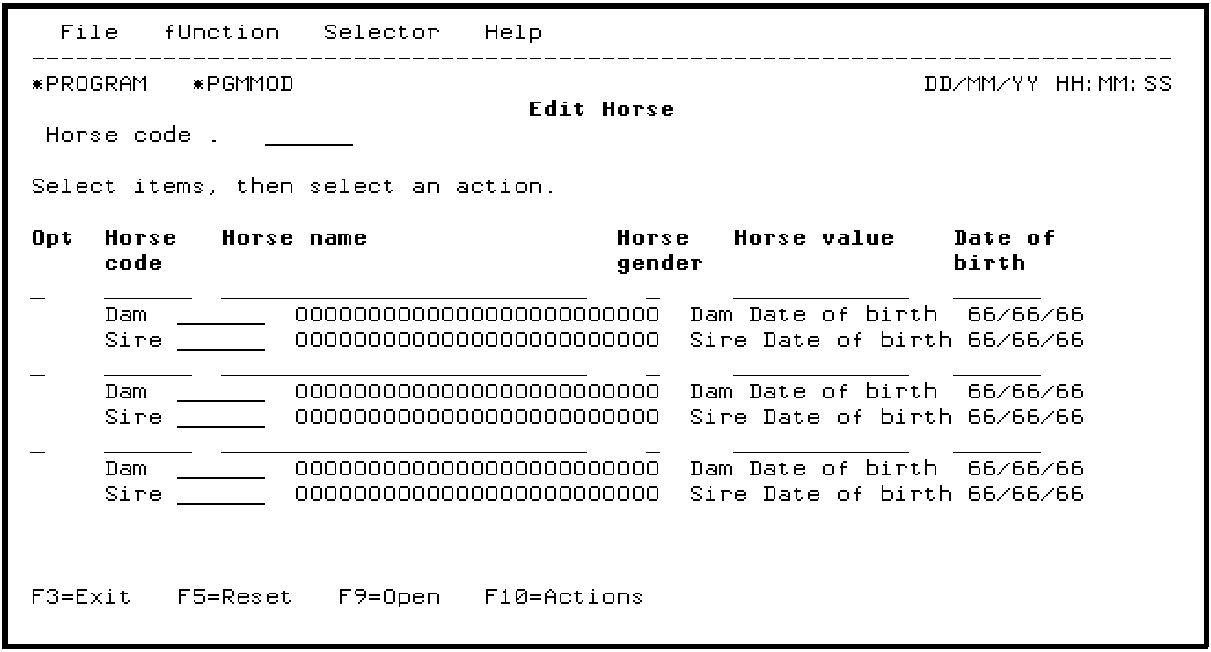
You are now ready to demonstrate the link between the two functions. Type S in the Subfile selector for Edit Horse to display the CA 2E Edit Horse device design.
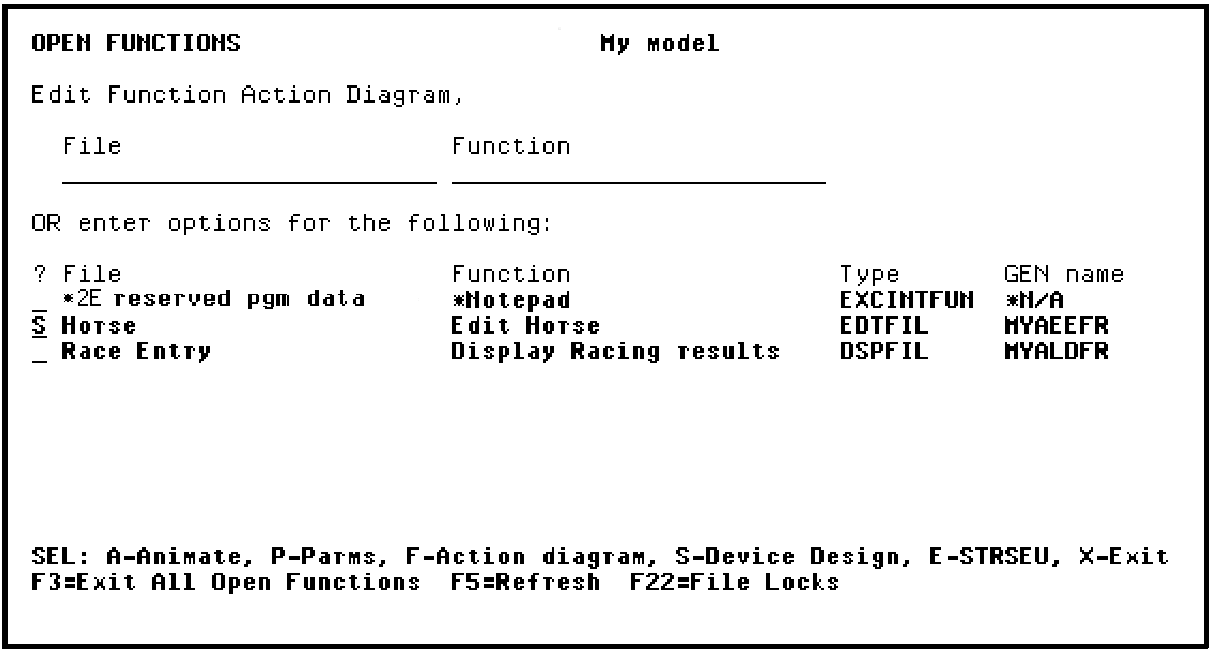
Press Enter.
Note: You could have typed A in the Subfile selector instead to animate the function. However, if you start the animation from the device design, it is easier to switch between the CA 2E device design and the Toolkit panel design, namely, you can press F2 from the device design to animate and press F3 from the panel design to return to CA 2E.
|
Copyright © 2014 CA Technologies.
All rights reserved.
|
|