

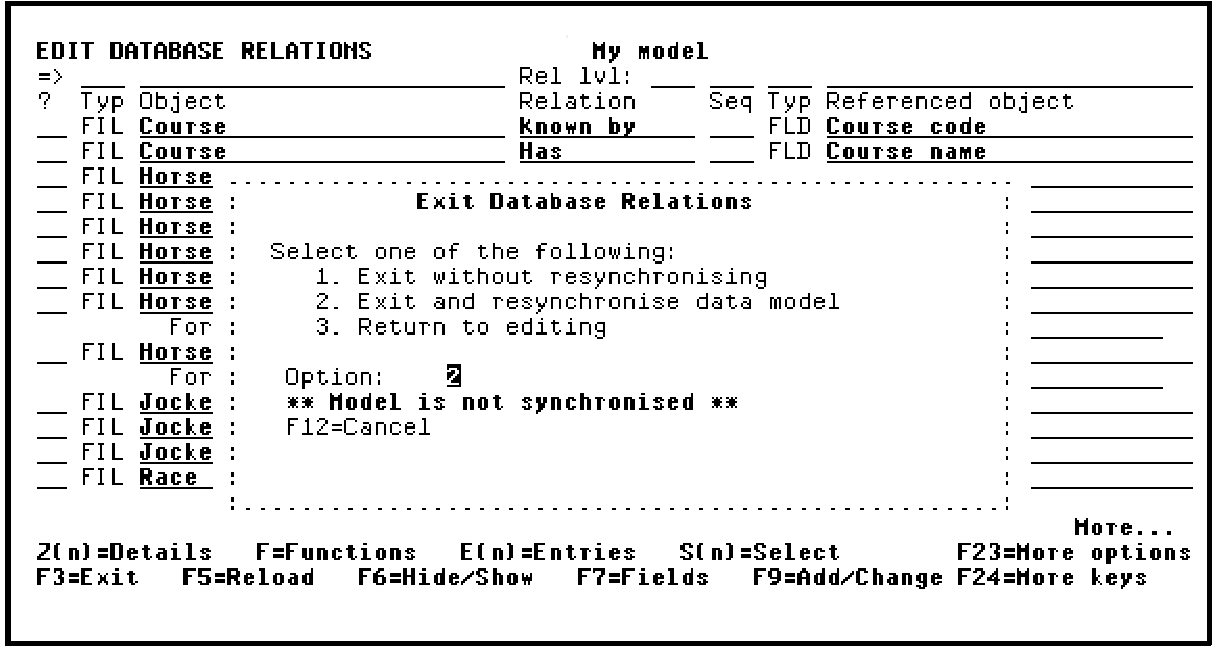
The Exit Edit Relations window displays. This window allows three options:
If you have added or changed any files, fields, or relations in the current session, a message will be displayed on this panel, "Model is not resynchronized." In this case, the Exit and resynchronize data model option will be the default. If you select this option, the message "Data model is being resynchronized" will appear at the bottom of the panel.
The re-synchronizing process causes all the relations to be resolved into entries. Only users of type *DSNR can resynchronize a model.
Note: If you have previously exited your design model, your model may already be resynchronized. In this case, the Exit Edit Relations panel defaults to Exit without re-synchronizing.
Accept the default (option 1 or 2).
Press Enter to exit your design model.
|
Copyright © 2014 CA Technologies.
All rights reserved.
|
|