

After exiting the device design, CA 2E displays the Edit Function Devices panel.
Note: From this panel, you can use Subfile selector option Z to return to the device design or you can press F5 to edit the action diagram for the Edit Horse function.
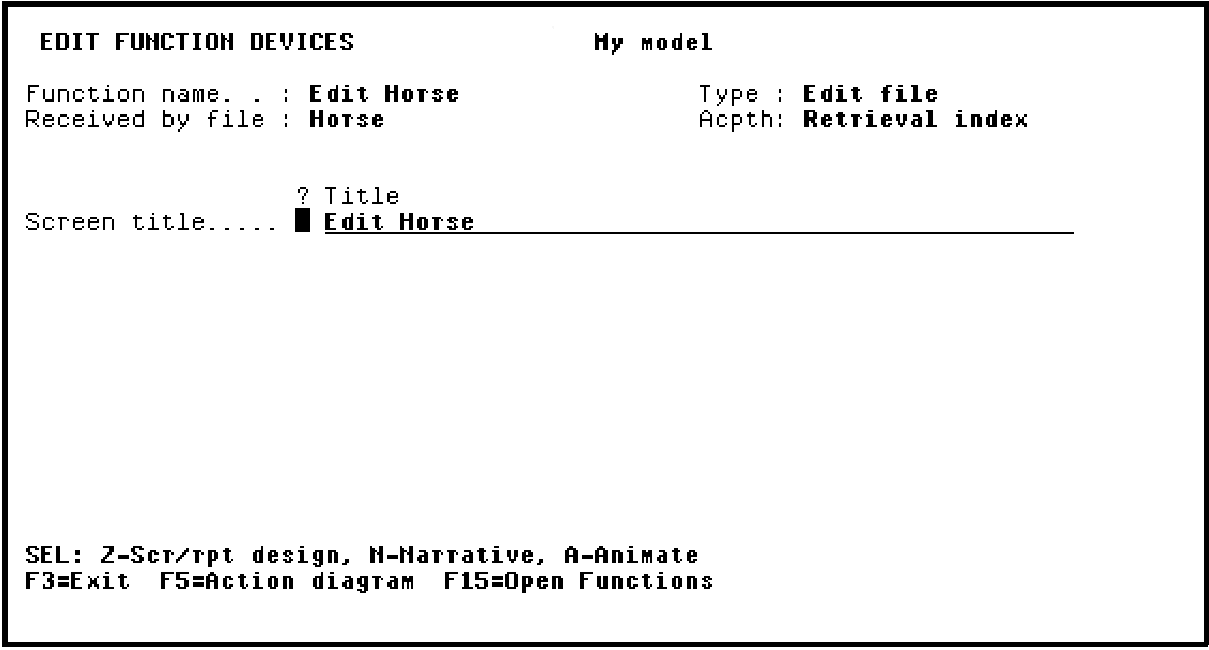
Press F3 to return to the Exit Function Definition panel.
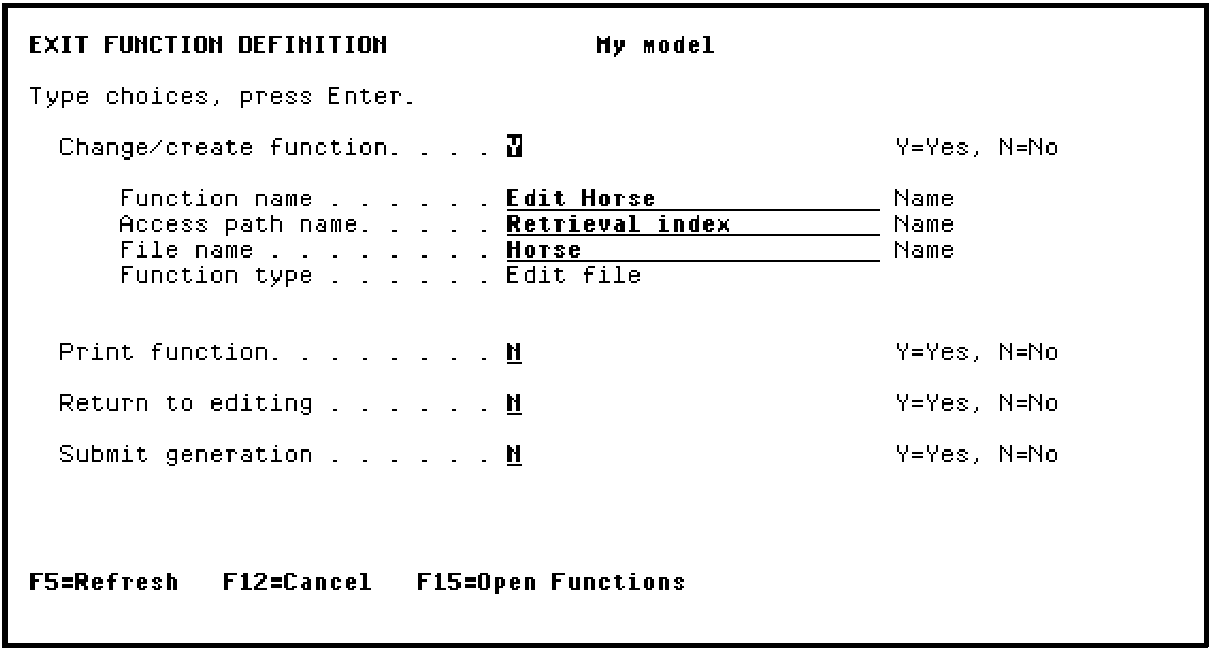
Press Enter to save the device design and return to the Edit Functions panel.
|
Copyright © 2014 CA Technologies.
All rights reserved.
|
|