

In this step you will change the text in the Selector Choice menu on the action bar at the top of the Edit Horse function device design to show that the Display Racing results option is available. You will use the Device Design Editor to do this.
Type S against the Edit Horse function as shown to access the Device Design Editor.
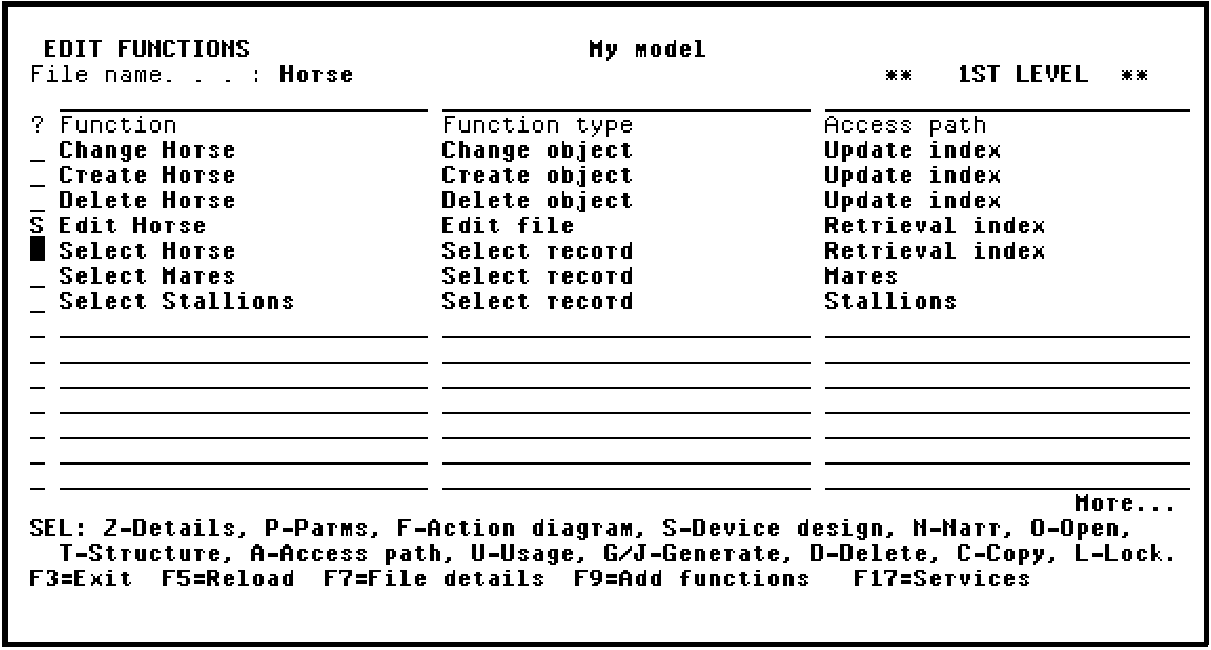
Press Enter.
|
Copyright © 2014 CA Technologies.
All rights reserved.
|
|