

Press F13 (Fast exit) to Exit the Action Diagram Editor and display the Exit Function Definition panel. Accept the defaults on this panel to save all changes you made to the action diagram.
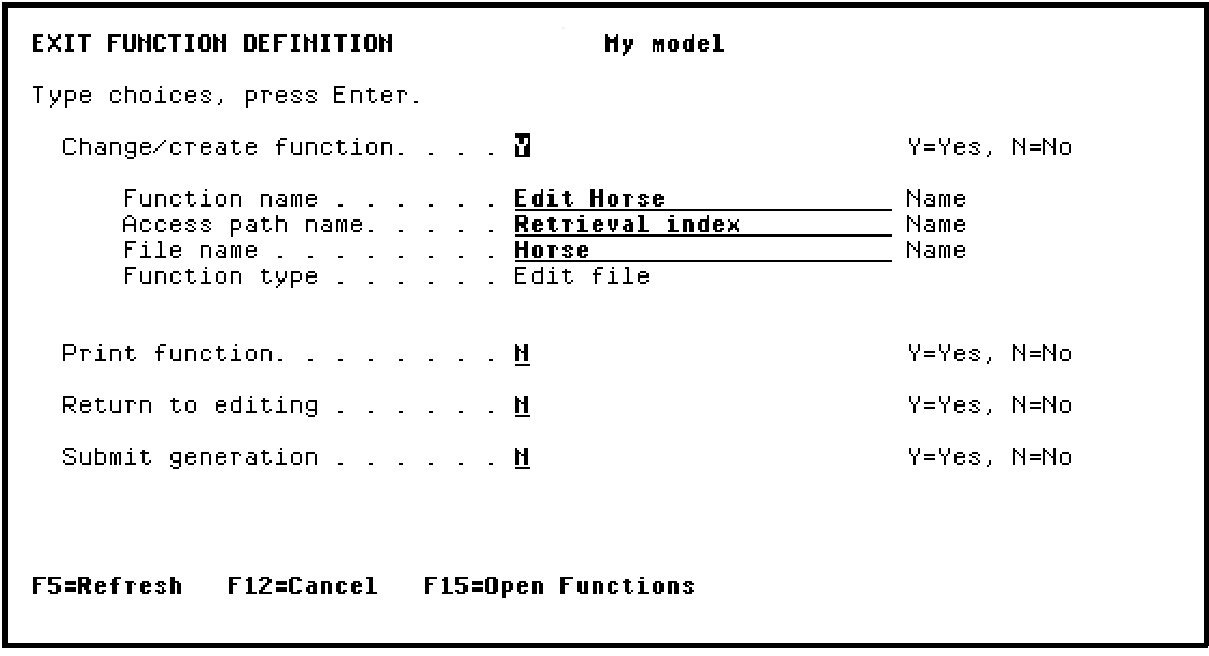
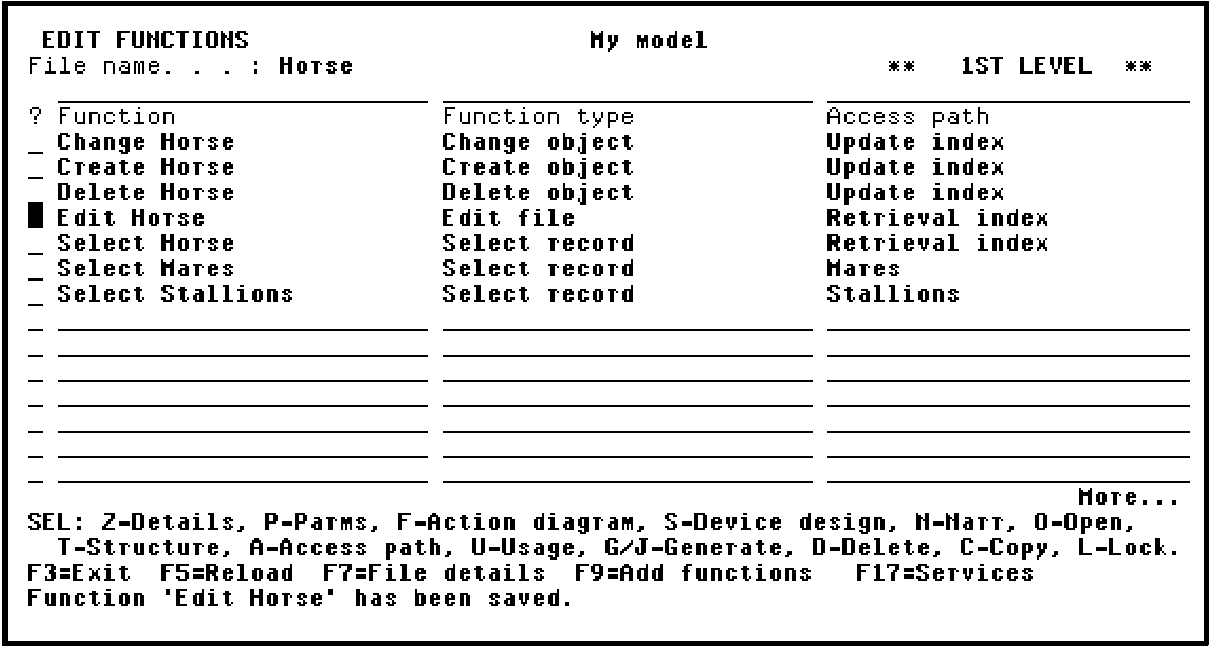
Press Enter to return to the Edit Functions panel.
The message "Function ‘Edit Horse has been saved" displays at the bottom of the panel.
|
Copyright © 2014 CA Technologies.
All rights reserved.
|
|