

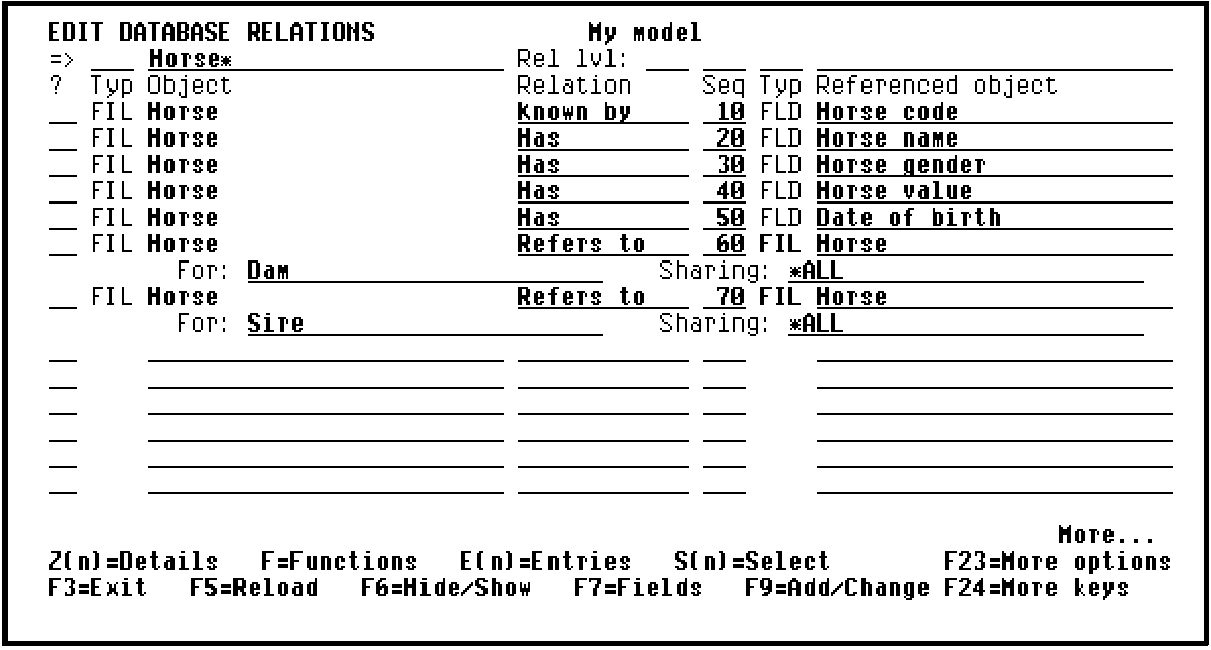
There are two ways to define a message function; you will use both in this tutorial. The first requires that you exit the action diagram and return to the Edit Database Relations panel.
Press F13 to Exit the Action Diagram Editor and display the Exit Function Definition panel. Accept the defaults on this panel to save all changes you made to the action diagram.
Note: The F13 function key (Fast exit) provides a quick way to exit the action diagram. You can use F3, but it will take you back through the action diagram one level at a time.
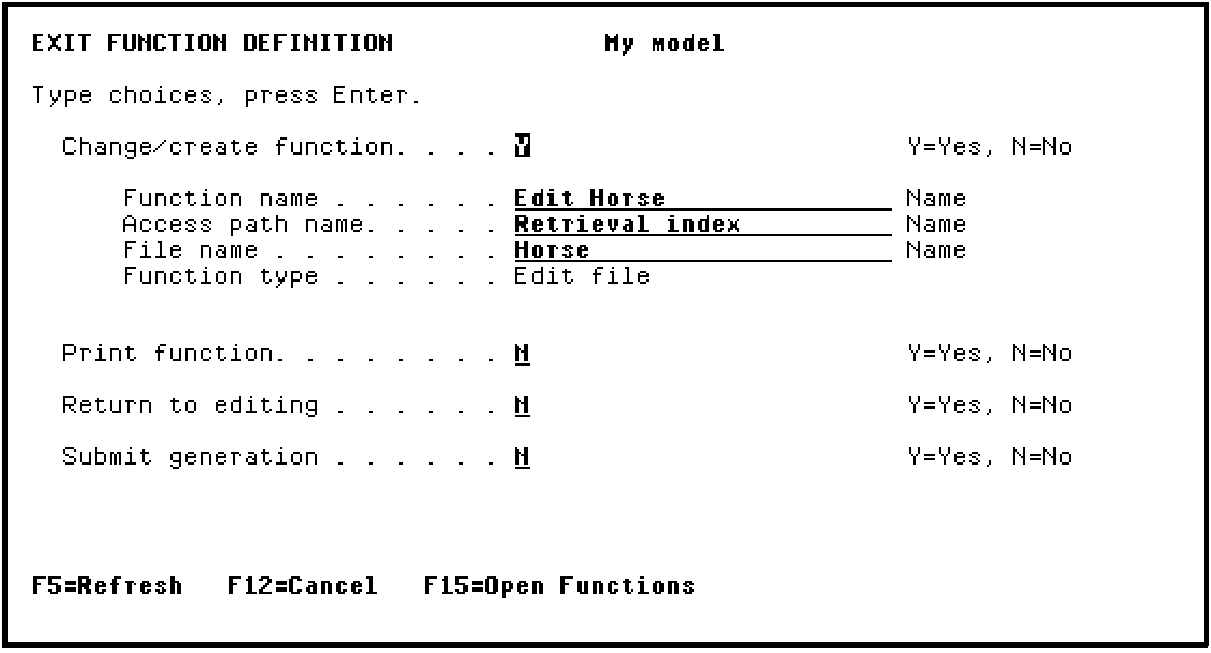
Press Enter to return to the Edit Functions panel.
The message "Function ‘Edit Horse has been saved" displays at the bottom of the panel.
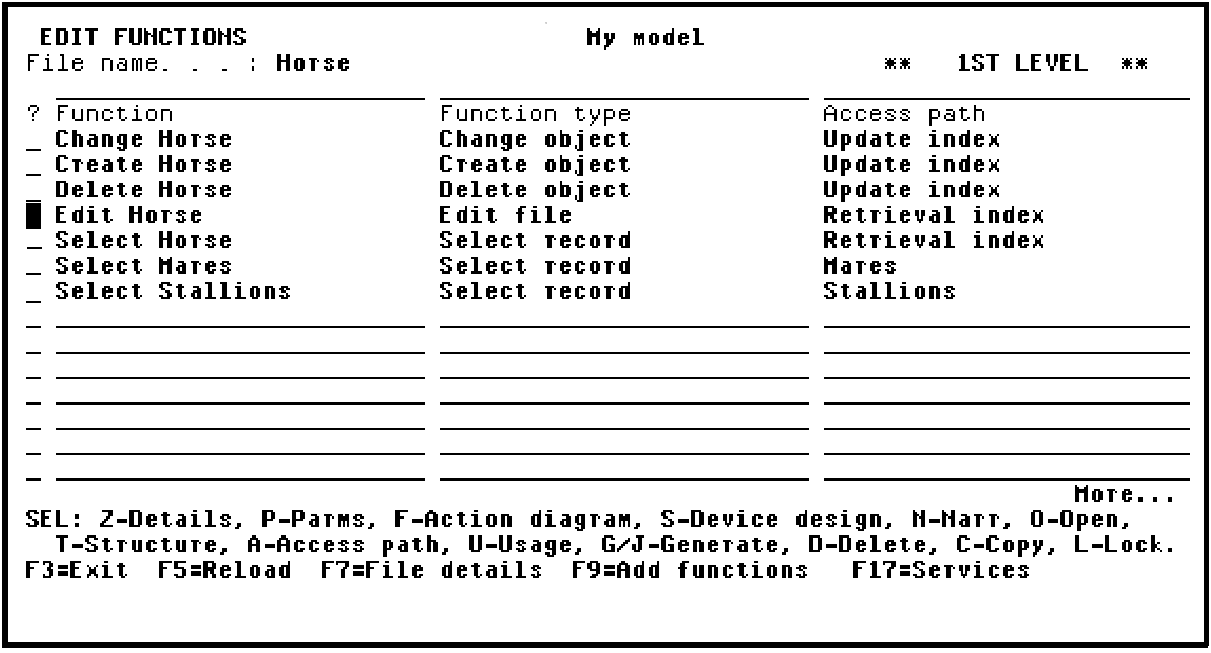
Press F3 to return to the Edit Database Relations panel.
|
Copyright © 2014 CA Technologies.
All rights reserved.
|
|