

Now that both case conditions have been added, you are ready to specify the details of the conditions and actions. In this step you will specify the details of the condition: Is the dam’s date of birth greater than or equal to that of the horse. You will specify the action to send an error message later.
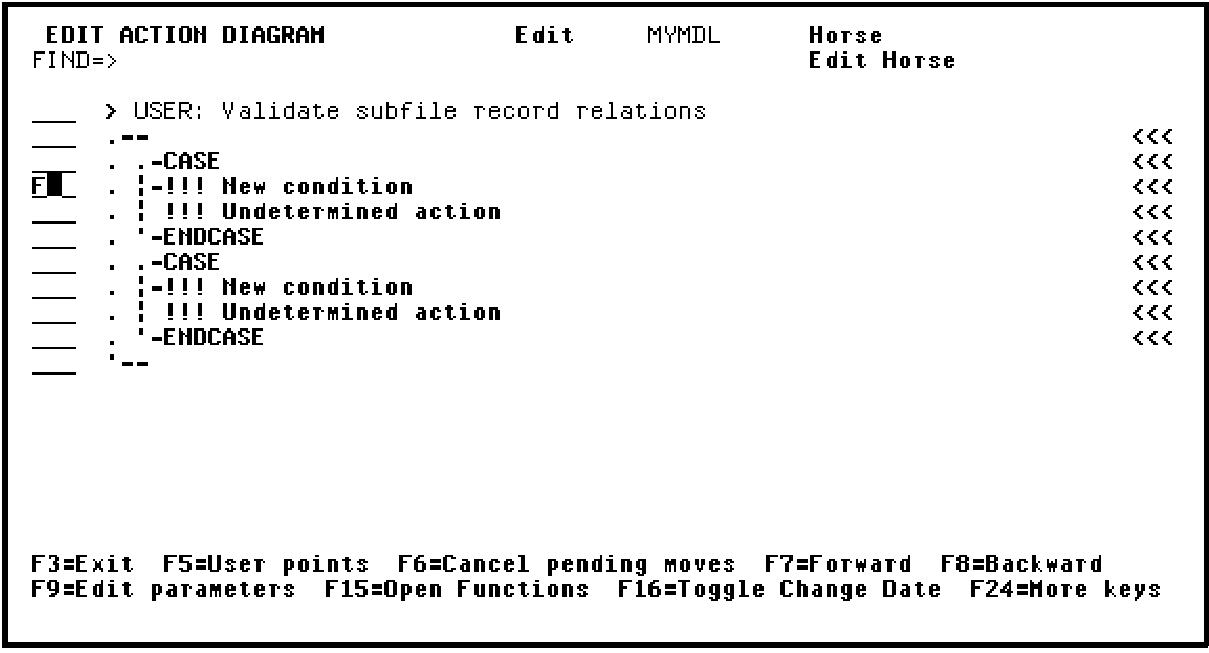
First you will specify the controlling condition for the first !!! Undetermined action. Type F against the first condition as shown to edit that line of the action diagram.
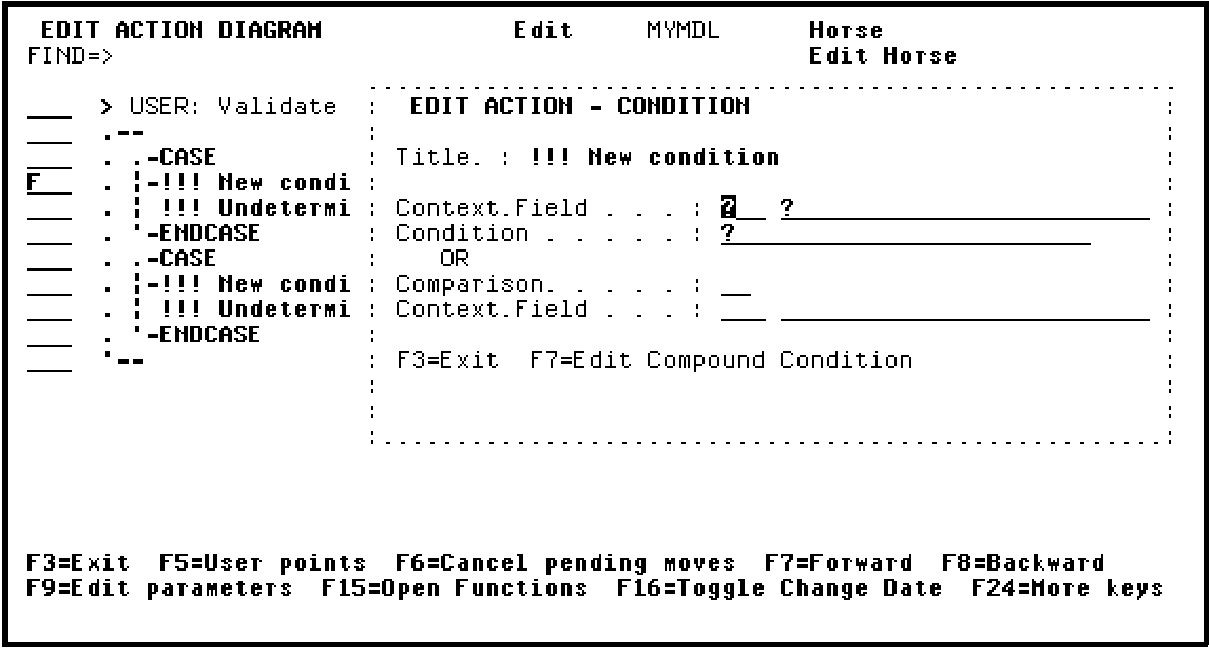
Press Enter to display the Edit Action - Condition window.
|
Copyright © 2014 CA Technologies.
All rights reserved.
|
|