

From the Edit Function Devices panel you can change the panel title, display the action diagram for the function, display all open functions (CA 2E allows you to have multiple functions open), return to the device design, or exit and save the device design.
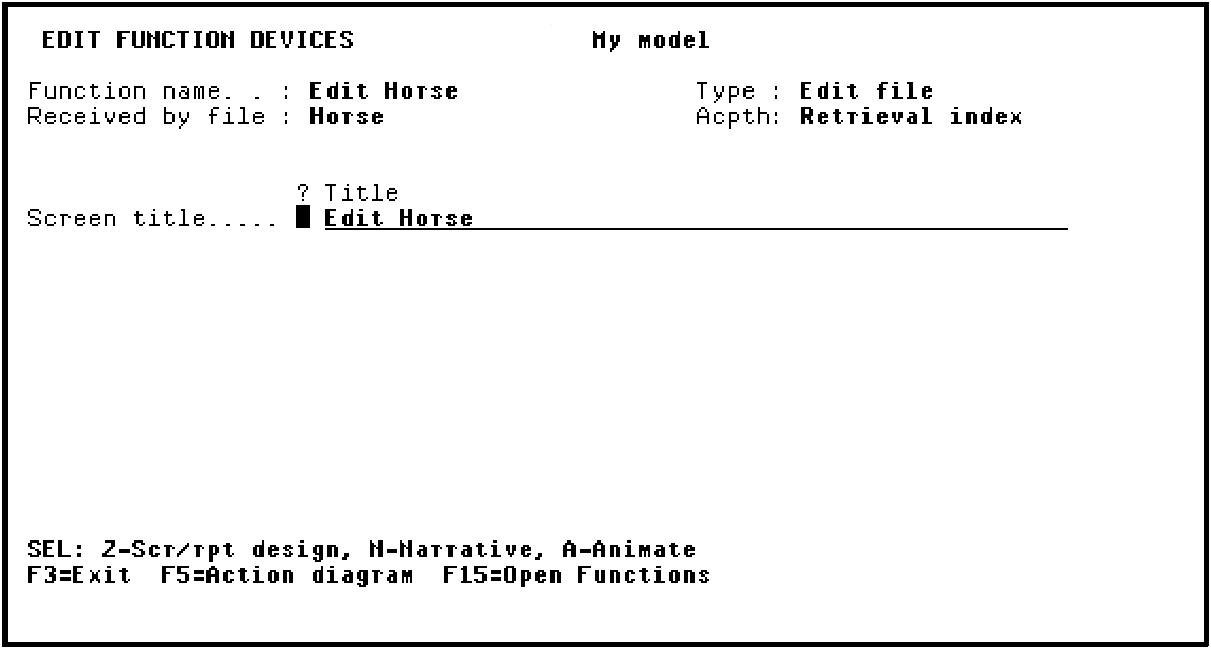
Press F3 to exit and display the Exit Function Definition panel.
|
Copyright © 2014 CA Technologies.
All rights reserved.
|
|