

By default, only 80 characters of the panel design may be displayed at one time. You can move the panel window to display more of the panel design by pressing F4, which moves the window 40 columns to the right. Pressing F4 again moves the subfile record another 40 columns to the right. Pressing F1 moves the panel design 40 columns to the left.
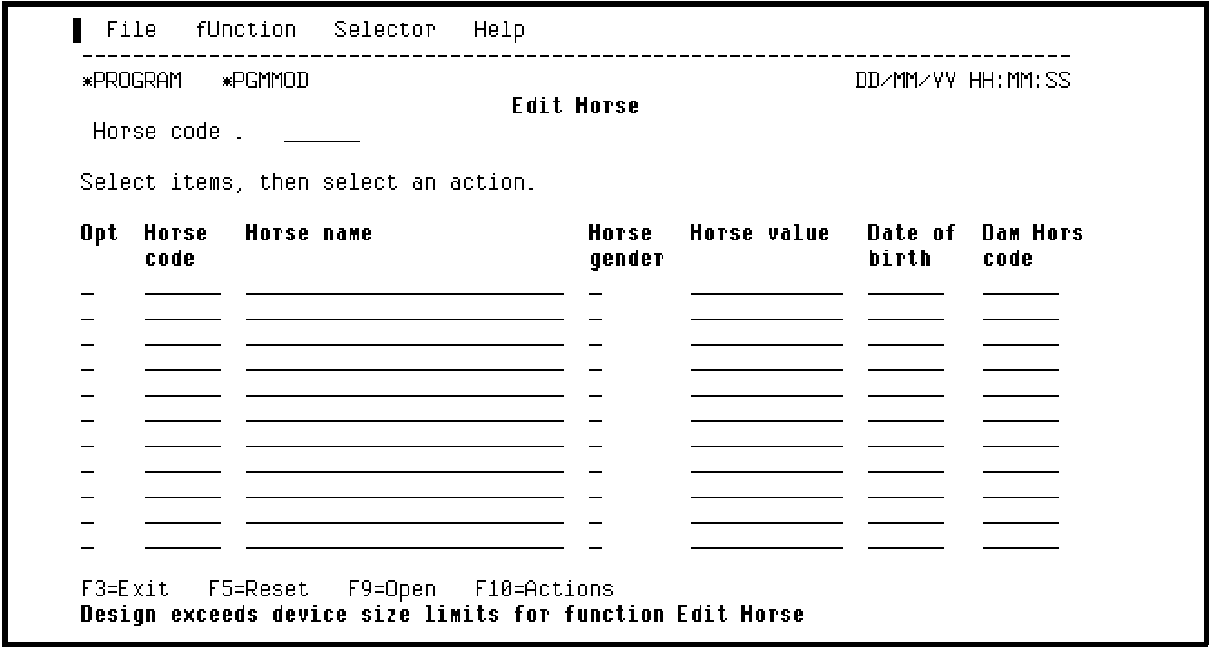
Press F4 to move the device design 40 columns to the right.
Note the virtual fields, Dam name and Dam Date of birth that you added to the default Retrieval access path for the HORSE file. If you had not explicitly added these fields to the access path, they would not appear on this display.
Note also that the virtual fields are for output only and are represented by 0s or 6s.
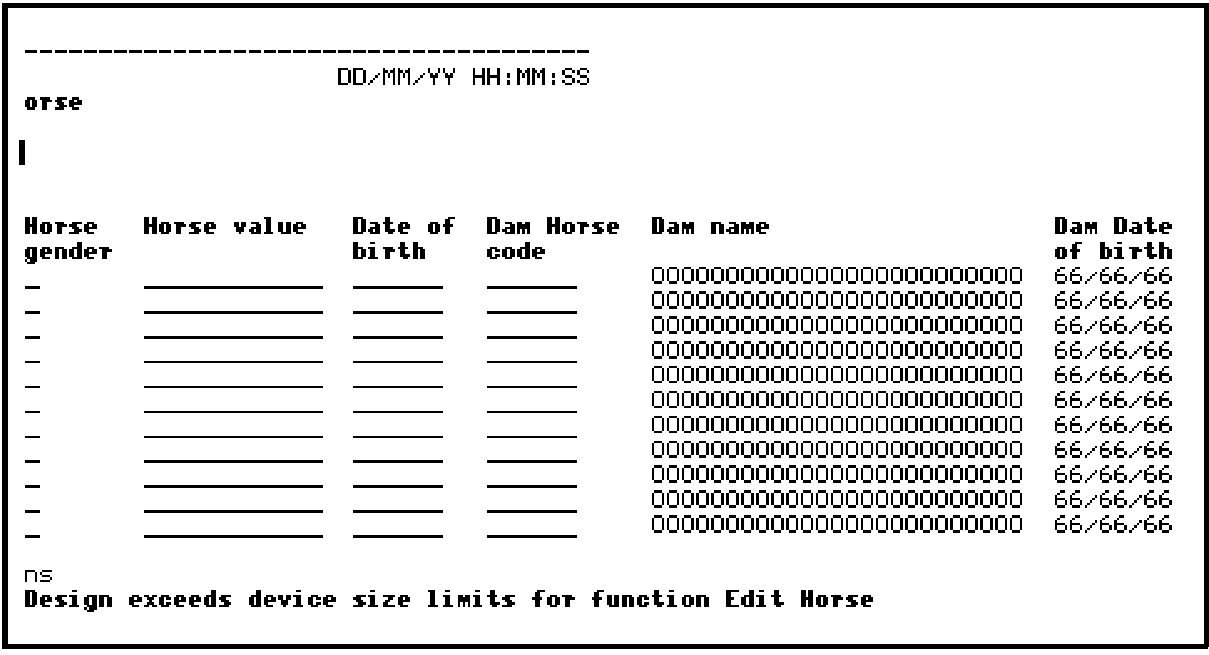
Press F4 again to move the device design 40 more columns to the right.
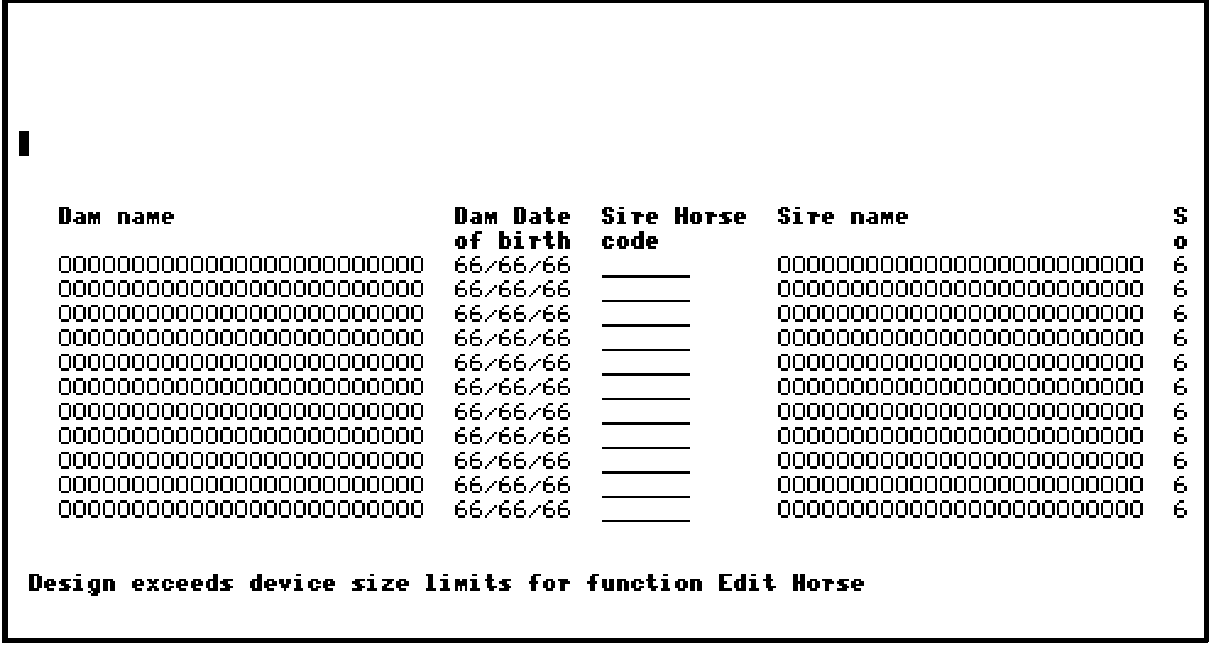
Press F15 to return to the left margin of the device design; in other words, back to the first field in the subfile record.
|
Copyright © 2014 CA Technologies.
All rights reserved.
|
|