

The allowed virtual field entries from the COURSE file are displayed. Type + against Course name to add it as a virtual entry to the RACE file.
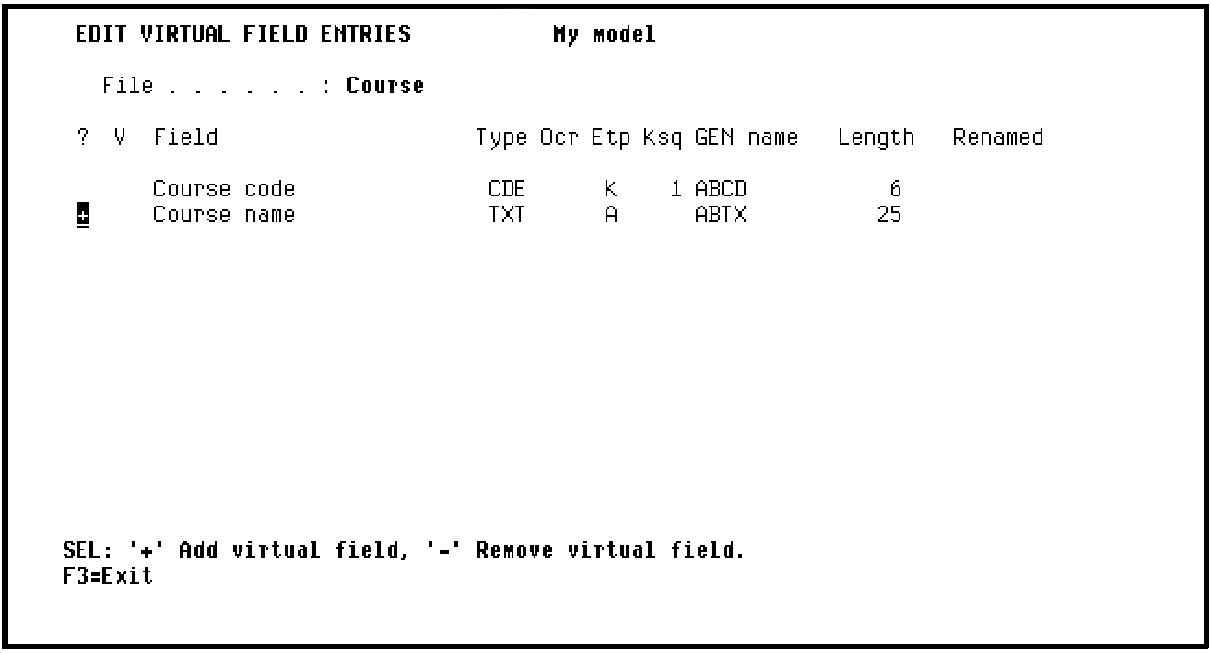
Press Enter. The Edit Virtual Field Entries panel redisplays to confirm the creation of the virtual field as indicated by the ‘*‘ in the V column.
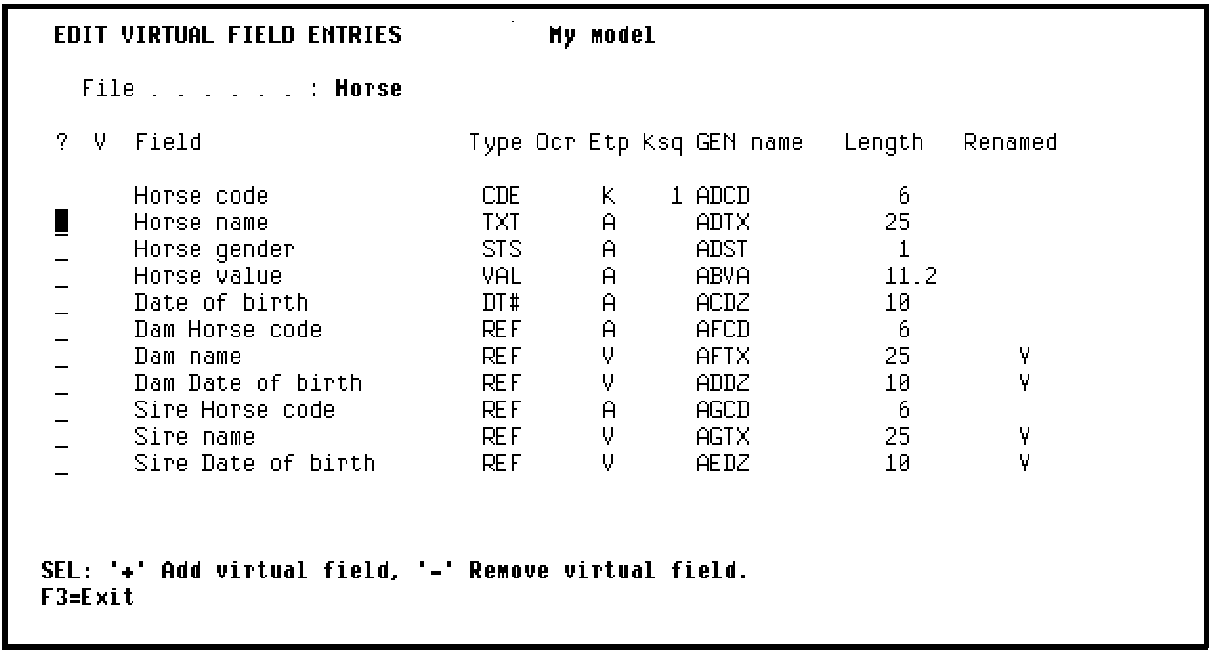
Press F3.CA 2E displays the Edit Virtual Field Entries panel for the HORSE file. Recall that you typed V against the RACE ENTRY Refers to HORSE relation on the Edit Database Relations panel.
|
Copyright © 2014 CA Technologies.
All rights reserved.
|
|