

From the Edit Field Details panel for the Horse gender field, press F9 to display the Edit Field Conditions panel. This panel shows the available conditions for the field. Initially, there are none.
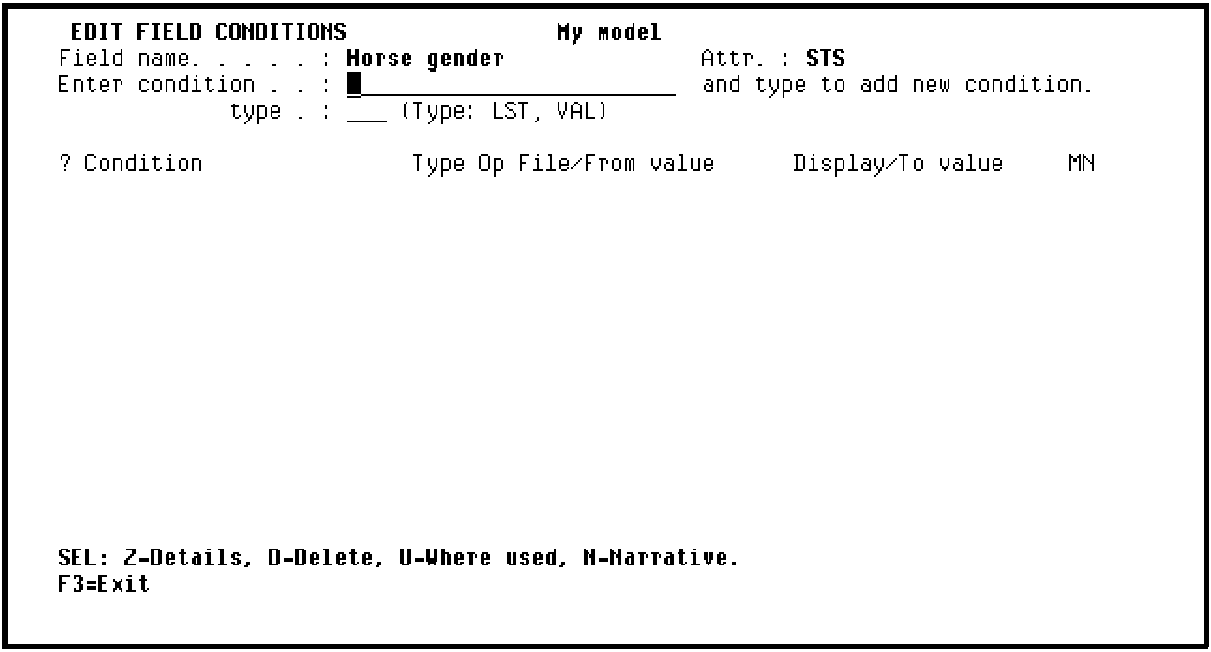
To add a field condition, type the name and type of the condition. In this tutorial, one value the Horse gender field can take is Stallion.
You defined Horse gender as a status field (field type STS). Status fields may only take discrete values, so the only condition types allowed for this type of field are single values (VAL) or a list of values (LST). Stallion is a single value so it is of type VAL.
Type the condition name Stallion with a type of VAL.
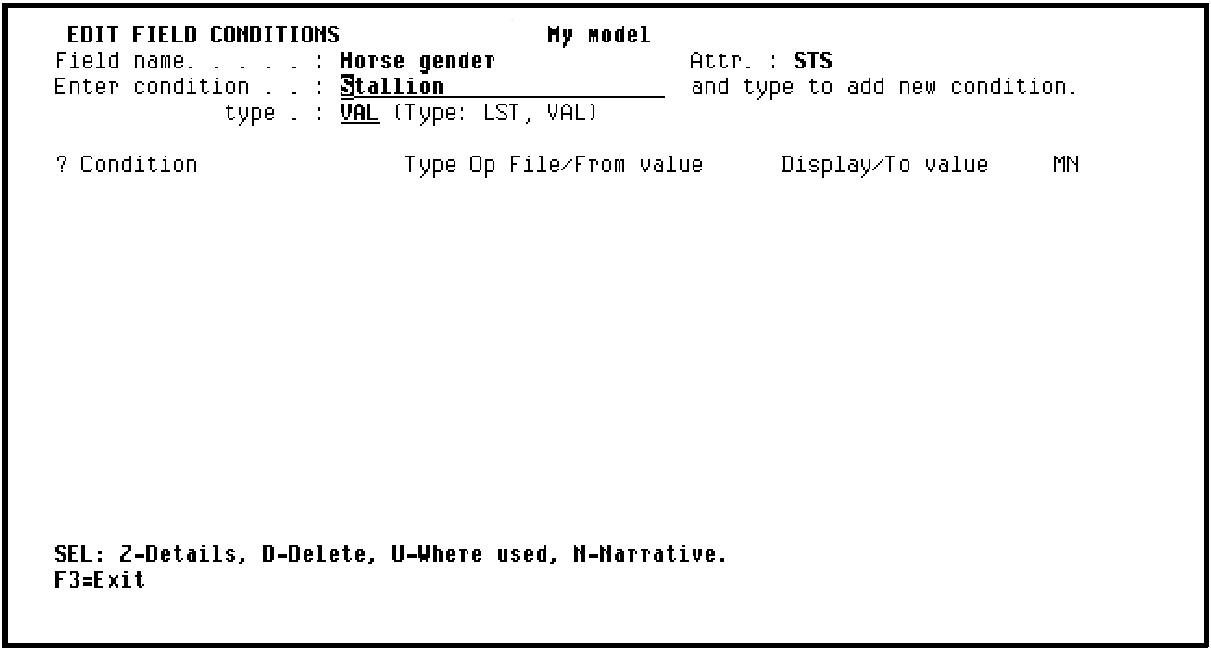
Press Enter to display the Edit Field Condition Details panel.
|
Copyright © 2014 CA Technologies.
All rights reserved.
|
|