

When you enter your data model, the first panel you see is the Edit Database Relations panel. This panel is the top-level panel in CA 2E.
Note: If you have not already entered your model you can do so now by entering the following command on any i OS Command Entry line.
YSTRY2 MYMDL
Using the Edit Database Relations panel, you may enter relation statements that declare the entities in your data model. The panel has three main columns in which the relations are entered. These columns are labeled Object, Relation, and Referenced object.
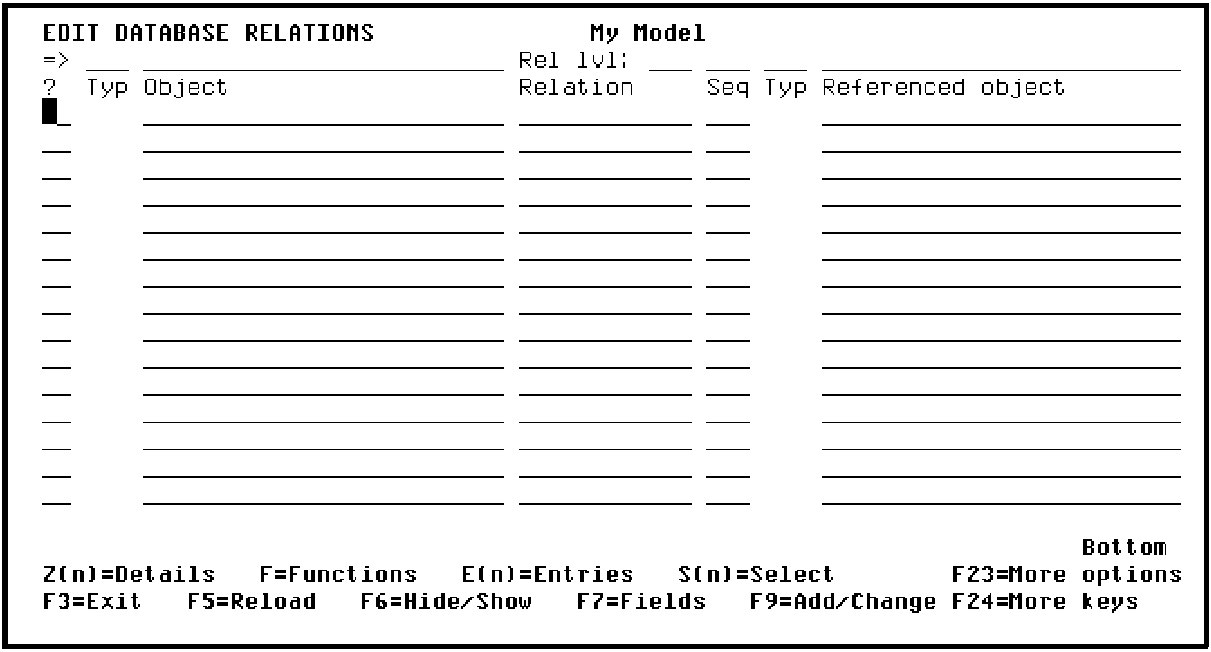
Note: The Subfile selector column on the left lets you enter line selection options. The line of input-capable fields along the top of the panel lets you select which model objects within your CA 2E design model to display. Both will be explained later in this tutorial.
|
Copyright © 2014 CA Technologies.
All rights reserved.
|
|