

From the Edit Model Object List panel, enter 8 to display a model object's description from the All Objects list. You can also use the Display Model Object Description (YDSPMDLOD) command. The following panel displays:
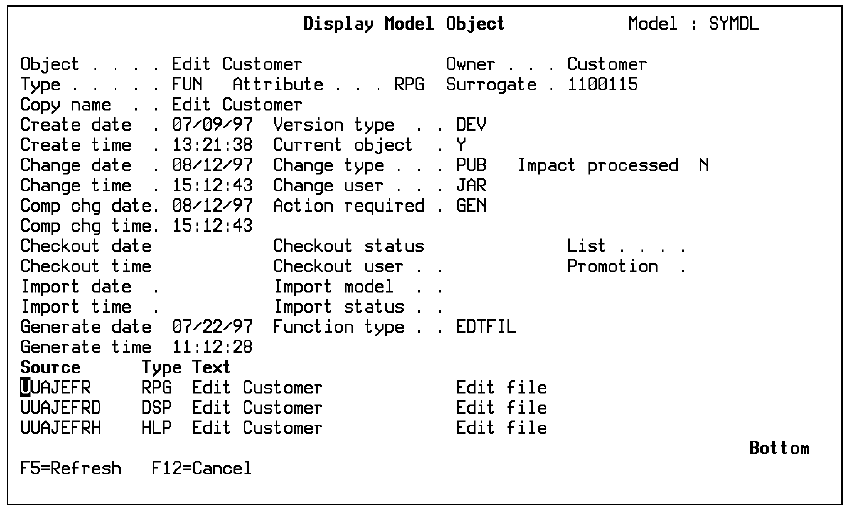
A standard set of information is displayed for each type of model object. Additional information displayed varies according to the type of model object.
Note: If the information for a model object list entry does not match the model object description for the corresponding model object,CA 2E sets the Object select field for the list entry to 8 on the Edit Model Object List panel. You can use subfile select option 33 to refresh the model object list entry.
For more information:
|
Copyright © 2014 CA.
All rights reserved.
|
|